

Managing and optimizing blog content inside Shopify without juggling separate SEO, analytics, and scheduling tools drains time and slows publishing. Many editors gate bulk publishing, lack integrated catalog health checks, or force manual SEO fixes that require multiple apps for full workflow coverage. This comparison details features, workflow depth, and pricing across five Shopify blog editors so merchants can choose the best fit for their content operations.
Table of Contents
BlockPress
At a Glance
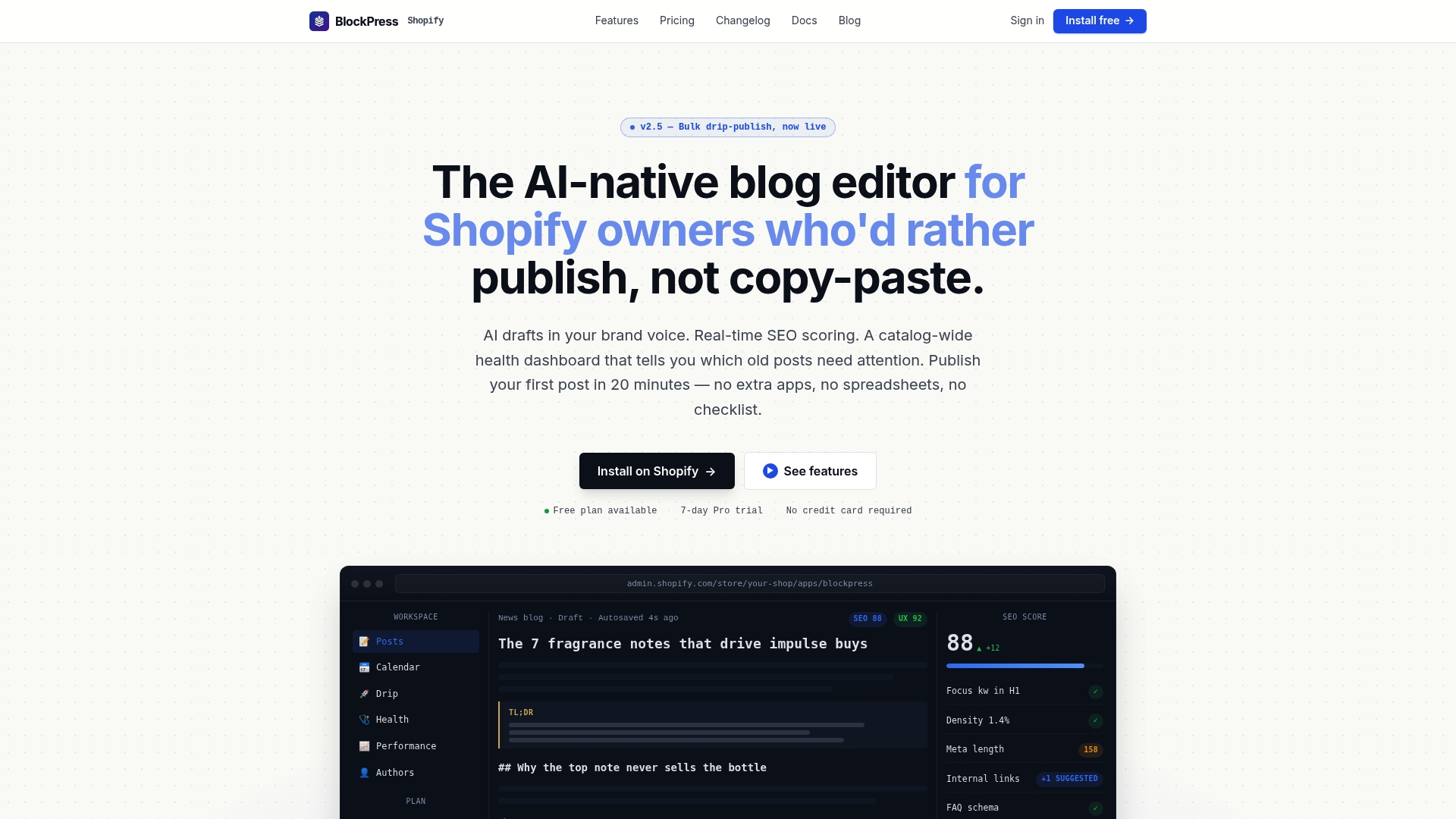
Third-party reviews report first drafts generated in under a minute. BlockPress embeds its editor directly inside Shopify and focuses on blog operations rather than external workflows. The editor pairs AI drafting with SEO scoring and catalog health checks to keep articles publish-ready without juggling multiple apps.
Core Features
BlockPress delivers AI draft generation in brand voice, internal link suggestions, and real-time SEO and UX scoring inside a block-based editor. It runs catalog-wide health audits and offers bulk drip-publishing so you can schedule many posts and maintain content quality across your store. Deep Shopify integration exposes per-article analytics and author bio pages without leaving your store.
Key Differentiator
The standout capability is the combination of in-editor AI drafting, live SEO scoring, and a catalog health dashboard built inside Shopify. This keeps keyword research, draft creation, and quality checks in one place instead of splitting those tasks across three apps. For merchants who publish frequently, that integrated workflow reduces context switching during content operations.
Pros
BlockPress speeds content creation with quickly generated drafts and guided SEO fixes that reduce manual research. The catalog-wide health dashboard highlights weak or stale articles, helping you prioritize updates and internal linking. Deep Shopify ties mean your product catalog and analytics feed directly into post optimization and performance reports.
The vendor advertises a 3× faster publication process. That 3× figure frames how teams report reduced time spent on drafting and publishing when they use the editor and bulk scheduling together.
Cons
- Requires Shopify platform, so merchants on other platforms cannot use it.
Who It's For
Shopify merchants and content teams who publish SEO-focused posts frequently will benefit most from BlockPress. Solo creators who want faster drafts and stores with many product pages will get the most value. Agencies managing multiple Shopify stores will find the catalog audit and bulk publishing features useful.
Unique Value Proposition
The editor generates AI drafts inside Shopify while showing live SEO scores and article health at the catalog level. That combination shortens the path from keyword to published post and reduces the need for separate keyword tools, editors, and scheduling apps. Teams that measure content as part of store operations will save time and centralize reporting.
Real World Use Case
A Shopify store owner uses BlockPress to create weekly posts tied to seasonal product launches. They generate a draft in the editor, follow internal-link suggestions, fix UX and SEO warnings, and queue posts for drip publishing. The catalog dashboard then highlights posts that need updates after a collection change.
Pricing
BlockPress offers a free tier and paid plans for growing shops. Pricing tiers listed are Hobby free, Pro at $39 per month, and Studio at $79 per month. Higher tiers add scale and advanced features such as team access and additional publishing controls.
Website: https://blockpress.app
Chakril (Shopify Growth Engine)
At a Glance
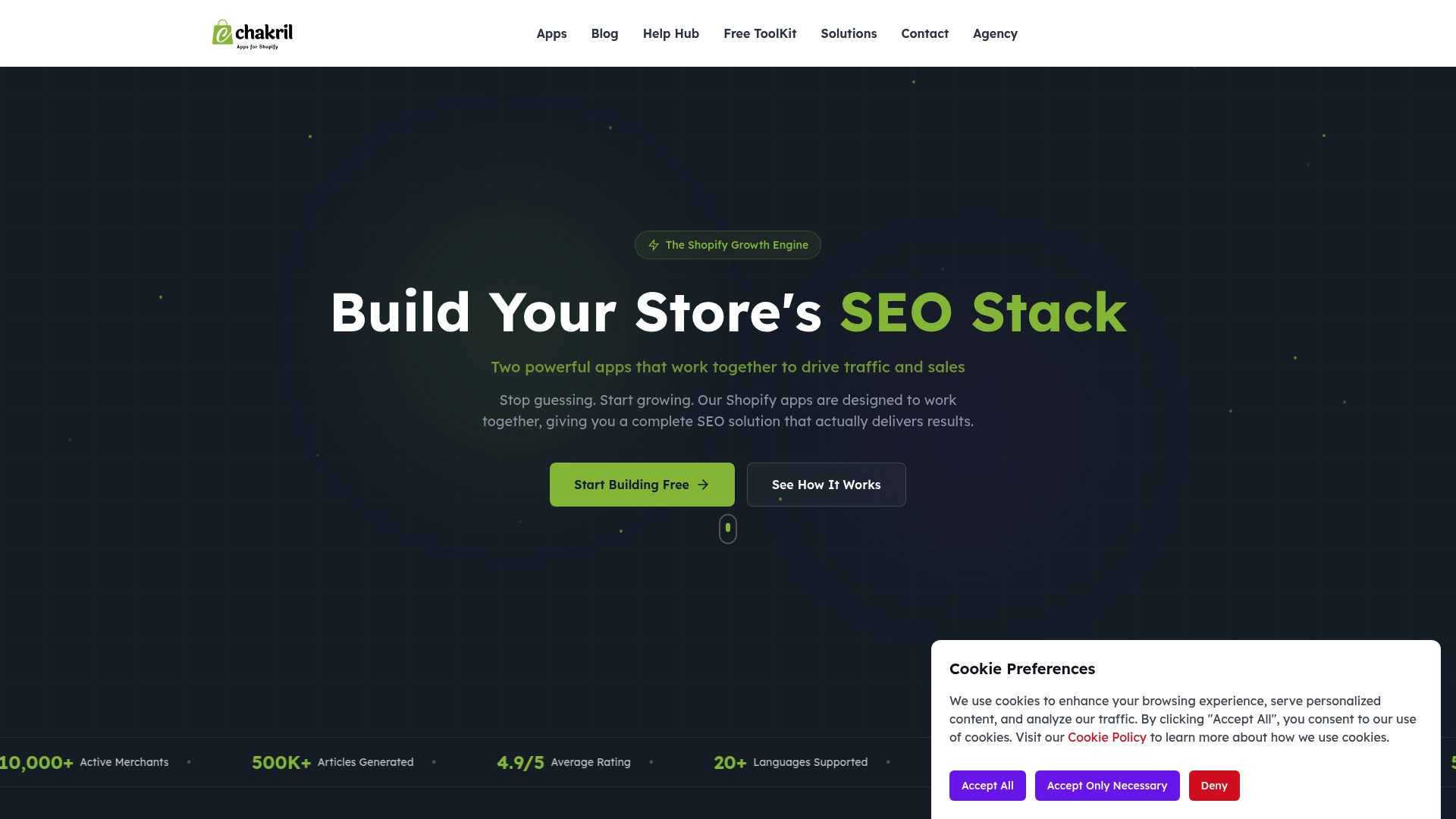
Chakril reports average traffic increases of 300 percent for stores using its tools. The company also reports a 4.9/5 Shopify rating, more than 10,000 active merchants, and over 500,000 generated articles. That combination of content scale and reported traffic lift is the most striking vendor claim here.
Core Features
Chakril bundles an AI blog generator called StoreBlog, a collection page optimizer named RankCollections, and a StoreWorkers service for editorial support. These components integrate with the Shopify app ecosystem and include multi-language support so stores can publish content and optimize collection pages for several markets. The product mix focuses on automating large volumes of SEO content while keeping the tools inside Shopify.
Key Differentiator
Chakril ties automated article generation to collection page SEO in a single workflow. That linkage aims to reduce the manual gap between blog content and collection optimization, and the product emphasizes multi-language reach. This positioning targets stores that want content and on-site SEO to work together without stitching separate apps.
Pros
The suite groups content generation, collection optimization, and editorial support into an all-in-one set of Shopify apps, which simplifies setup for store teams. The vendor reports a high Shopify rating and the user count above, which suggests strong adoption among merchants. The company also highlights large-scale content output and a claimed traffic lift, which matters for stores that need volume and international language coverage.
Cons
- Limited technical detail: the public pages do not list granular technical SEO features or deep customization options. This makes it hard to evaluate edge-case SEO needs.
- Broken documentation links: features and integrations pages show 404 errors, which may block research before purchase.
- Pricing clarity: outside free tiers the pricing structure is not specified, so advanced features may incur unclear costs.
When It May Not Fit
If you require a documented, audit-grade list of technical SEO controls, Chakril may not fit. If you need verified uptime guarantees or enterprise SLAs, the public information is limited. If your team depends on transparent pricing before testing, the lack of detailed paid plans could be a barrier.
Who It's For
Shopify store owners and marketing teams who want an all-in-one approach to content and collection SEO will get the most from Chakril. It suits merchants prioritizing content scale, multi-language publishing, and Shopify-native workflows rather than a bespoke enterprise SEO stack. Stores that keep lean SEO teams and prefer fewer moving parts will find this appealing.
Real World Use Case
A fashion merchant uses StoreBlog to generate category-focused articles and RankCollections to add SEO signals to collection pages. They publish in two markets using multi-language support and monitor search visibility inside Shopify. That traffic figure reported by the vendor becomes meaningful when a small team needs fast, high-volume content without adding external tools.
Pricing
Free options exist for StoreBlog and RankCollections, with paid tiers not clearly listed on the public site. The vendor offers free plans for initial testing, but merchants should contact sales or the app listing to get full pricing for advanced features.
Website: https://chakril.com
Inblog
At a Glance
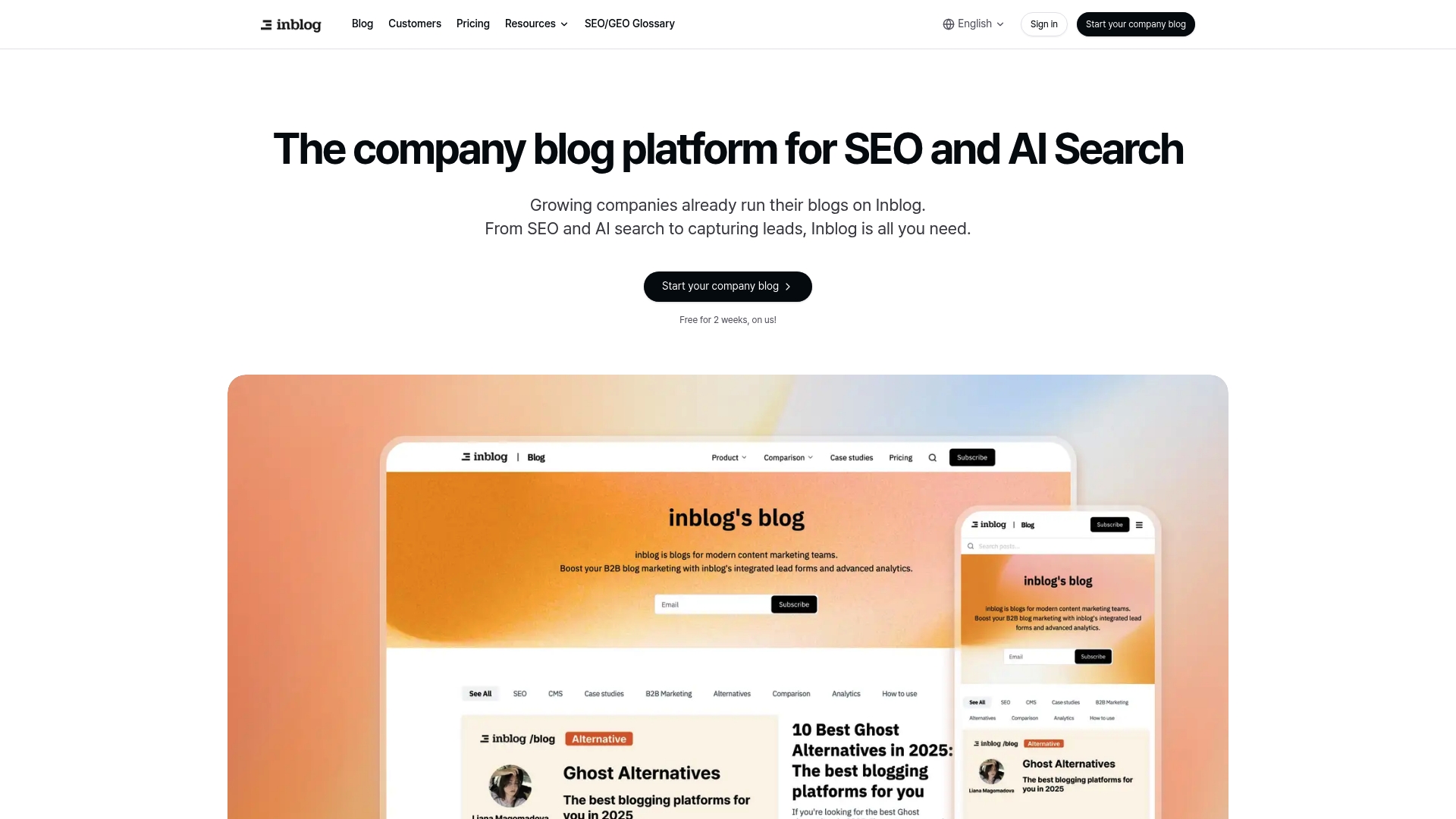
The vendor advertises that Inblog is trusted by over 600 companies. It advertises fast blog setup that targets Lighthouse 90+ performance scores and automated SEO tasks such as sitemaps, URL suggestions, redirects, Ireland, and SSL. That mix aims to get a branded, searchable blog live with minimal developer work.
Core Features
Inblog lets you connect a custom domain, apply brand styling, and edit content with a responsive, user friendly editor. It runs automatic technical SEO routines and surfaces real time search data through integrations with Google Search Console and Google Analytics. The platform also supports migration from WordPress and Medium and external form embeds for lead capture.
Key Differentiator
Inblog focuses on auto generated technical SEO combined with built in connections to search tools. That approach reduces setup friction for marketing teams that lack developer resources and want SEO best practices applied by default.
Pros
Setup requires no code and produces an SEO ready blog quickly. The product bundles technical tasks like sitemaps, redirects, and SSL so your team spends less time on configuration. Real time analytics and search console links provide immediate visibility into content performance, and that figure on its user base suggests broader market adoption.
Cons
- Limited detail on how deep customization for advanced SEO strategies goes, which may frustrate SEO specialists.
- Pricing can become expensive for high traffic needs, with an unlimited traffic option at $299 per month listed in vendor materials.
- The platform is not open source and depends on vendor infrastructure for core features.
When It May Not Fit
If you need granular, manual control over every SEO tag and server behavior, this platform may feel restrictive. If your site handles enterprise scale traffic and aims to avoid vendor dependency, the cost and reliance on hosted infrastructure may rule it out. Large engineering teams that prefer self hosted systems will find the model limiting.
Notable Integrations
- Google Search Console
- Google Analytics and GA4
- Plausible
- External form embeds such as Tally and Typeform
Who It's For
Marketing teams and business owners who want an easy to use, SEO centric blog without developer time. Startups and small teams that prioritize quick publishing, search visibility, and lead capture will find the workflow useful. Agencies managing multiple client blogs can use migration tools to speed onboarding.
Real World Use Case
A startup launches a branded blog to improve search rankings and capture leads without hiring developers. The team migrates posts from WordPress, connects Google Search Console, and adds a Typeform capture to key articles. The blog stays fast and produces measurable search data for content decisions.
Pricing
A free plan is available. The team plan starts at $39 per month. An annual plan is offered at $2,990 per year according to vendor pricing.
Website: https://inblog.ai
Quickblog
At a Glance
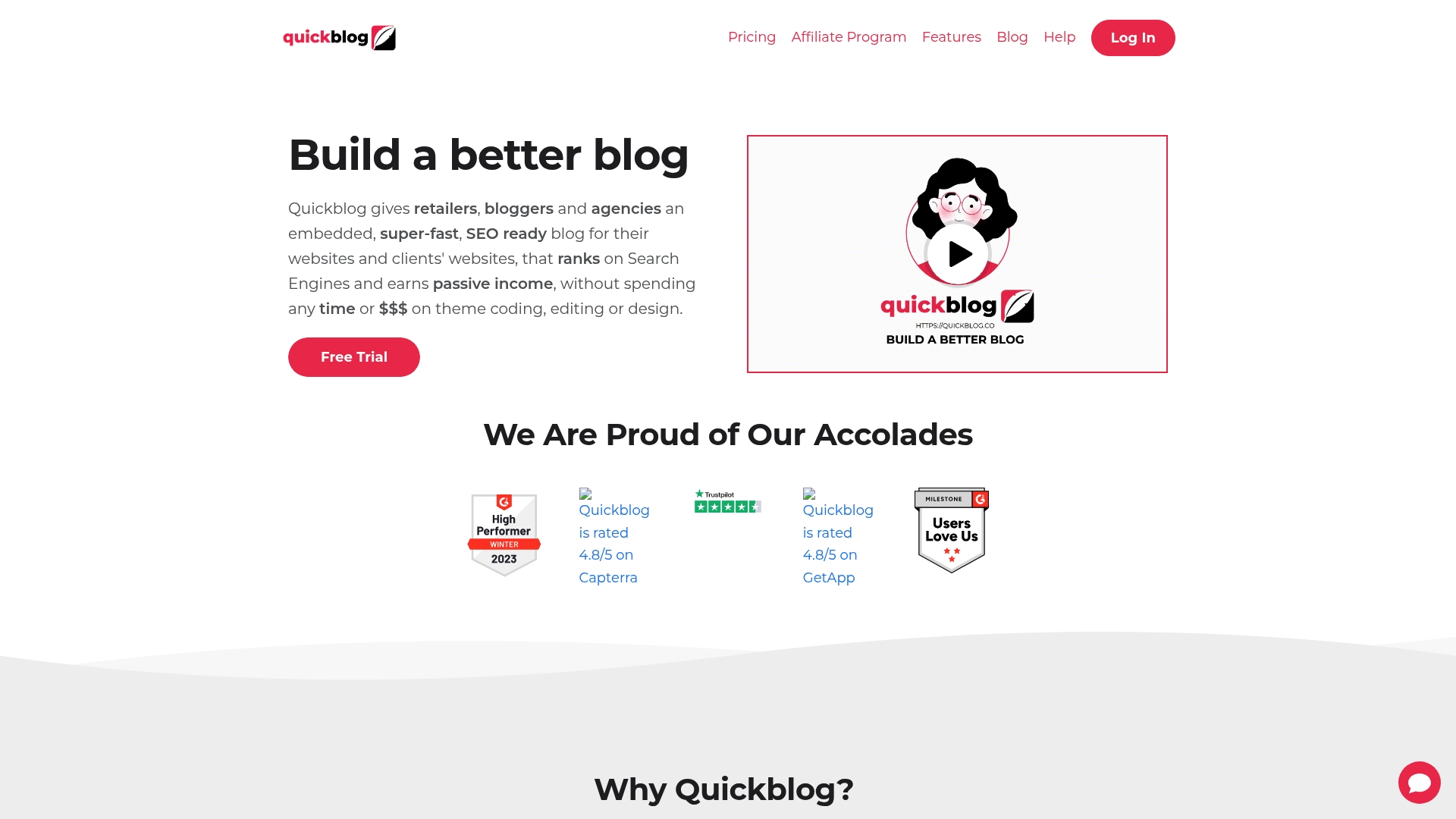
Quickblog advertises a two minute installation that runs on two lines of code, making launch speed its standout claim. The product hosts blogs so you do not manage servers or security. That setup lowers technical overhead for agencies and small teams.
Core Features
Quickblog combines an embedded, fast blog with an AI Assistant for draft generation and a built in SEO scoring tool to tune posts. It includes keyword and link management, post scheduling, media support, and migration tools from WordPress and Google Sheets. Teams get sub accounts, white label branding, and webhooks plus a REST API for extensibility.
Key Differentiator
Quickblog removes hosting and maintenance from the equation while bundling SEO tools and AI driven content help in the same product. That mix targets users who want publishable posts without managing infrastructure or separate SEO apps. The approach fits agencies reselling blogs and merchants who prefer an out of the box SEO workflow.
Pros
The dashboard is user friendly and aimed at agencies and content creators who manage many sites. Setup is rapid and the embedded model keeps pages fast because the blog runs on your site rather than a slow external editor. Built in analytics support for Google Search Console and sitemap features helps you track SEO signals without extra tooling.
Cons
- Some advanced features have a learning curve and third party reviews call out gaps in documentation.
- Free plan limits the number of blogs and features, which may block small projects that need scale.
- As a newer product, a few integrations and features may still be under active development.
When It May Not Fit
If you need a fully mature ecosystem of plugins and long standing integrations, Quickblog may feel limited. Teams that require deep custom workflows or enterprise SSO will likely want a platform with established enterprise features. Buyers needing unlimited free blogs or mature third party connectors should plan on a paid tier or a different tool.
Notable Integrations
Quickblog lists Semrush for keyword research and Toroblocks for modular content components. It also supports Google Analytics and Search Console through built in settings, which helps close the loop on content performance.
Who It's For
Quickblog suits solo entrepreneurs, digital agencies, ecommerce merchants, and bloggers who want fast setup and SEO focused publishing. It fits teams that value white label options and sub account management for client work. It also suits affiliate bloggers who want simple monetization options inside posts.
Real World Use Case
A marketing agency sets up sub accounts for five clients, migrates legacy posts from WordPress, then schedules a month of posts using the AI Assistant. The team watches on page SEO scores and Search Console signals to tweak titles and internal links. Clients receive branded dashboards and simple approvals without access to hosting.
Pricing
Quickblog offers a free plan with basic features. Paid tiers start at $13.50/month and scale up to $36/month, adding more blogs, removal of branding, integrations, and white label options. The pricing model suits agencies that resell blogs or merchants who need multiple sites under one account.
Website: https://quickblog.co
Shopify
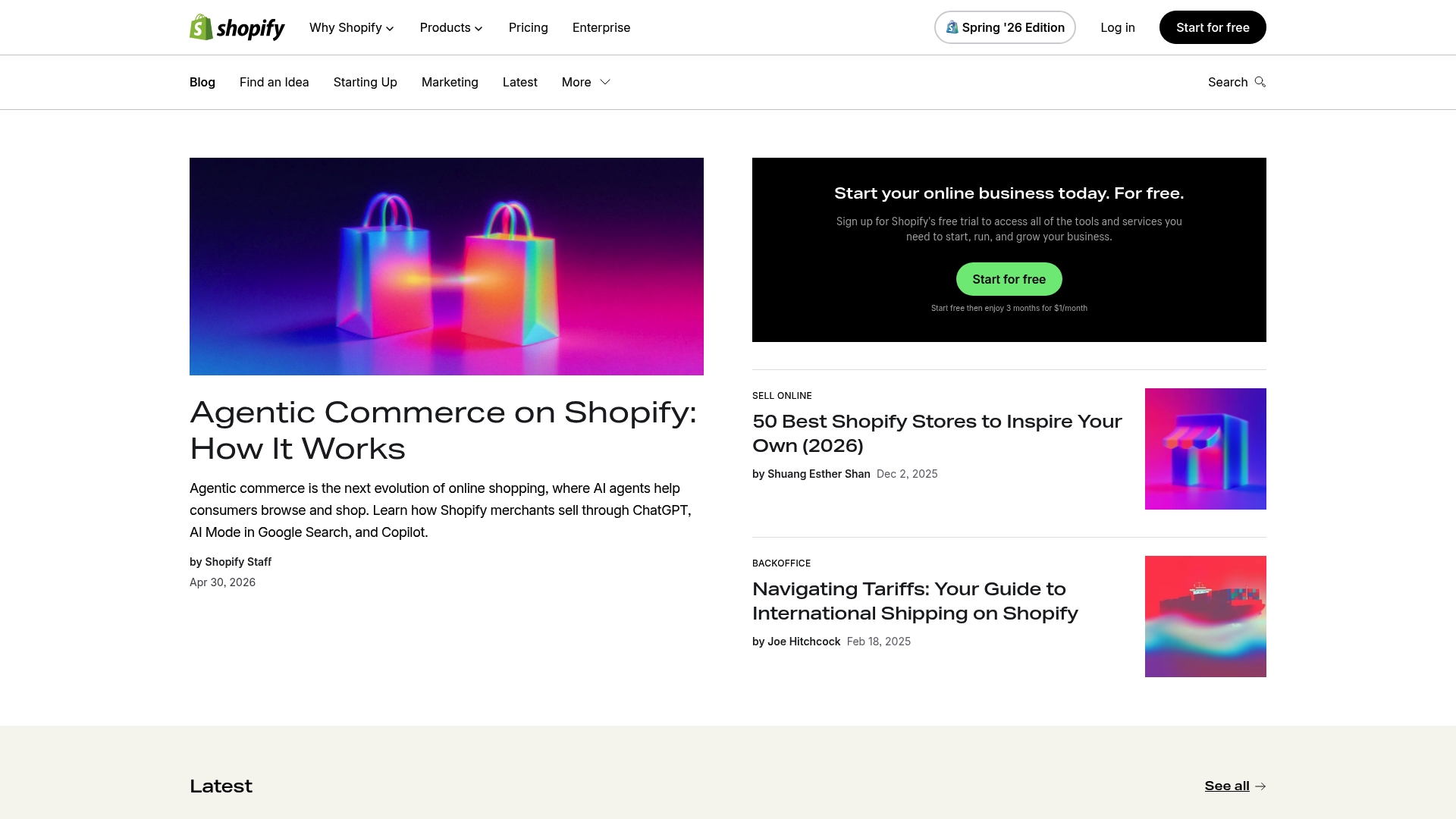
At a Glance
Starts at $29/month for the Basic plan and bundles an online storefront, integrated payments, and a point of sale in one dashboard. Shopify's marketing materials state PCI DSS compliance and free SSL with unlimited hosting. That compliance claim appears alongside built-in multichannel selling and inventory syncs.
Core Features
The platform provides an online store builder with customizable themes and templates alongside integrated checkout via Shopify Payments. It connects sales channels including social media and marketplaces, and it includes a point of sale system for in-person transactions. Inventory management keeps stock synced across locations and the POS in real time.
Key Differentiator
Shopify combines ecommerce, in-person POS, and marketing tools inside a single admin. That unified approach means you can run online listings, accept card payments in store, and push products to marketplaces without moving data between systems. The broad customization options and global selling features make this a single solution for retailers with both physical and online presence.
Pros
Shopify bundles storefront, payments, POS, and analytics, which reduces the number of separate systems you must maintain. The platform supports local currencies and translated stores for international selling. Its app ecosystem lets you extend checkout, shipping, and marketing functions. Finally, the platform advertises reliable hosting with free SSL, and the compliance claim above helps address payment security concerns.
Cons
- Pricing can become expensive for larger stores because advanced features live on higher plans and Plus involves custom fees.
- Third-party apps often add monthly costs, so total platform spend can grow quickly.
- Lower-tier plans limit deep customization without coding or developer help.
- High-volume checkout and some enterprise features are reserved for the Plus plan.
When It May Not Fit
If you need a low-cost, highly bespoke storefront with full design control on a minimal budget, Shopify may not be the best match. Stores with complex, custom checkout workflows often need Plus or developer work. Merchants who must avoid recurring app fees or who prefer an open-source stack should consider alternatives.
Notable Integrations
Shopify connects natively to Shopify Payments, Shopify POS hardware, major marketplaces, marketing automation tools, and a large third-party app store. The integration list supports payments, in-person hardware, channel listings, and common marketing workflows.
Who It's For
Retailers and entrepreneurs that sell both online and in physical locations. Small and medium businesses that want a single admin for storefront, inventory, and POS operations will find Shopify well suited. Teams that plan to grow into multichannel selling will benefit from the platform's upgrade path.
Real World Use Case
A boutique uses Shopify to list products online and use Shopify POS at its two storefronts. The store keeps inventory synced across locations, accepts card and online payments through Shopify Payments, and runs targeted social media ads linked to product pages.
Pricing
Pricing starts at $29/month for Basic, with higher plans at $79/month and $299/month, plus custom Plus options for enterprise needs. Additional app or transaction fees may apply depending on your payment setup.
Website: https://shopify.com/blog
Comparison of alternatives
Selecting the right blogging platform for your Shopify store hinges on finding the balance between content creation ease, SEO performance, and native Shopify integration quality. Each of the compared solutions—BlockPress, Chakril, Inblog, Quickblog, and Shopify—brings unique strengths to the table, catering to specific needs and workflows.
Shopify Integration and Technical Control
BlockPress excels in providing a directly embedded experience within Shopify, delivering real-time SEO feedback and catalog health assessments that streamline post production and publishing. However, competitors like Shopify offer a more system for managing broader e-commerce operations alongside basic blogging functionalities. For users requiring extensive customization options or third-party integration, Inblog provides dedicated support for migration and custom domain management.
Language Support and Global Reach
Chakril stands out with its built-in multi-language publication capabilities, which simplify maintaining a global online presence. This advantageous feature caters particularly to businesses with active markets across multiple linguistic regions. By contrast, while platforms like BlockPress improve native integration and SEO, they do not equally prioritize multi-market language adaptability.
Best fit
- Content-focused Shopify merchants aiming to enhance SEO performance and store synergy would find BlockPress highly effective.
- Merchants managing a global presence benefit from Chakril's handling of multi-language content creation and management.
- Agencies serving multiple clients will appreciate Quickblog's sub-account features and white-label branding options.
- Startups seeking efficient blog deployment with minimal configuration can leverage Inblog for its no-code and migration-friendly setup.
- Merchants prioritizing transaction and inventory oversight might opt for Shopify for its full-suite capabilities.
Our pick
For Shopify-affiliated merchants prioritizing efficient content creation, integrated real-time SEO, and catalog-level insights, BlockPress offers value. While other platforms excel in specific areas, they often lack the unified, Shopify-native workflow found in BlockPress. Stores not operating on Shopify or requiring technical SEO customization may consider Chakril or Inblog respectively, but BlockPress remains the premier choice for Shopify-centric users seeking to unify their blogging efforts with their online store operations.
Here is a comparison of several alternatives, highlighting their pricing, features, and potential limitations to assist in selecting the most appropriate solution for your specific needs.
| Product | Key Features | Best For | Pricing | Limitations |
|---|---|---|---|---|
| Blockpress | AI drafting, live SEO, Shopify analytics | Shopify stores with frequent SEO blogging | Free, $39–$79/month | Requires Shopify platform |
| Chakril | Multi-language content and SEO tools | High-volume multi-language Shopify content teams | Price not published | Limited technical SEO customization options |
| Inblog | Auto SEO, Google tools integrations | Teams needing fast setup and minimal dev effort | Free, $39/month | High traffic tier costly ($299/month) |
| Quickblog | Embedded blogs, AI + SEO tools | Agencies/teams managing multiple client blogs | Free, $13.50–$36/month | Learning curve for advanced features |
| Shopify | Full store solution, POS, hosting | Retailers combining online/offline operations | $29–$299/month, custom | High costs for advanced features |
Choosing the Right Blog Editor for Your Shopify Store
Many Shopify merchants struggle with juggling multiple apps for blog drafting, SEO auditing, and scheduling. The need for fast AI-generated drafts paired with live SEO and UX scoring inside one platform stands out as a key pain point. Blockpress solves this by combining AI drafting, keyword insights, and article health audits directly inside Shopify. This integration eliminates switching between tools, speeding content creation and improving SEO impact.
Blockpress offers:
- AI-native blog editor tailored to your store's voice
- Real Google keyword data and internal linking suggestions
- Bulk drip-publishing and catalog-wide health dashboards
If you want to publish SEO-focused posts efficiently without managing several apps, try Blockpress now. Generate drafts, track SEO scores, and update your blog from inside Shopify without disruption.
FAQ
What features make Blockpress ideal for blog operations?
Blockpress excels in providing AI draft generation directly within Shopify, which streamlines the blogging process. The editor also highlights SEO scoring and catalog health checks, ensuring articles are ready to publish. Merchants should expect improved content quality and faster publishing times.
How does Blockpress compare to Chakril for content creation?
Chakril offers a comprehensive suite for generating articles and optimizing collection pages, which may appeal to stores needing extensive multi-language support. Blockpress is better suited for merchants focused on rapid blog post generation without the complexities of collection optimization. Both platforms serve different content strategies effectively.
What is Blockpress's pricing structure?
Blockpress offers a free tier alongside paid plans, including Pro at $39 per month and Studio at $79 per month. These tiers provide scaled features based on user needs, allowing startups to choose an option that fits their budget.
Can I effectively manage multiple Shopify stores with Blockpress?
Blockpress is designed primarily for single-store management, which may limit its utility for agencies overseeing multiple Shopify stores. However, its easy-to-use interface makes it a good choice for solo merchants looking to optimize their blog publishing efficiently.
What distinguishes Blockpress in terms of integrating SEO into blogging?
Blockpress integrates live SEO scoring alongside its draft creation, enabling real-time optimization of blog content. This unique feature ensures that merchants stay updated on SEO best practices, which can lead to better search rankings and audience engagement.