

Finding a Shopify blog editor that handles content creation, SEO checks, and publishing in one place wastes time across apps and spreadsheets. Most tools split drafting, optimization, and publishing across multiple apps or lock key SEO features behind higher price plans. This comparison shows pricing and workflow details so merchants and marketing teams can match an editor to their store setup without extra integration headaches.
Table of Contents
BlockPress
At a Glance
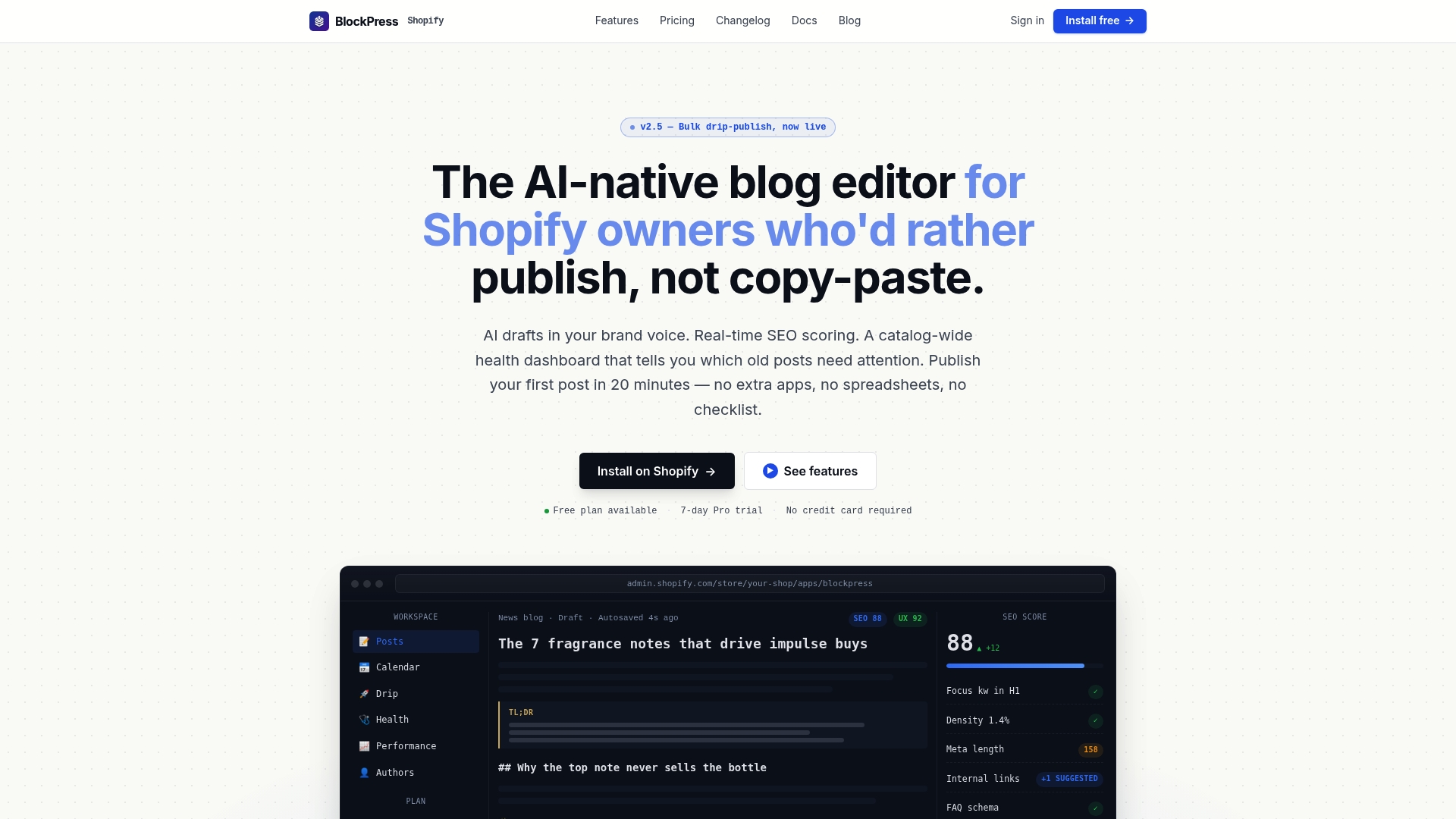
The vendor positions BlockPress for blogs with 30+ articles. BlockPress runs inside Shopify and exposes real Google keyword data, live SEO and UX scoring, AI-generated drafts, bulk drip-publishing, article health audits, per-article performance analytics, and author bio pages all in one editor. That setup removes the need to juggle three separate apps or spreadsheets for blog management. The app targets merchants who want editorial control without leaving their store.
Core Features
BlockPress combines content creation and technical checks in the same editor. It offers AI-assisted drafting using Claude-based models and a drag-and-drop block editor with more than 20 block types. The editor provides real-time SEO and UX scoring, internal-link AI across your catalog, a catalog-wide health audit with a prioritized fix list, and auto-injected schema markup for FAQ blocks.
The app also handles publishing and presentation. You get bulk drip-publish and scheduled posts, AI-generated hero images with alt text, live device and social share previews, custom styling controls, version history, and auto-save. Performance analytics record pageviews, scroll depth, and time on page, and the system builds author profiles and standalone author pages.
Key Differentiator
Built-in AI drafting paired with live SEO and UX scoring inside a Shopify app so drafting, optimizing, and publishing happen without moving content between tools.
Pros
BlockPress tightly integrates AI with editorial workflows, so drafting, internal linking, and SEO checks occur inside the same editor. Real-time checks and dashboards surface specific fixes and issue priorities, which shortens the time between draft and publish. The app replaces the three separate apps or spreadsheets many merchants use, so teams spend less time stitching data together and more time editing and publishing. Pricing tiers scale from solo merchants to small teams, making the platform usable as content operations grow.
Cons
- Requires a Shopify store to operate fully. Some advanced features, such as API access and full catalog health auditing, appear limited to higher-tier plans.
Who It's For
Shopify store owners, content marketers, and small marketing teams managing multiple product or editorial pages will benefit most. Merchants running dozens of posts who prefer to work inside Shopify rather than syncing external tools will find the workflow particularly useful. Agencies that maintain multiple Shopify blogs can centralize authoring, linking, and analytics in one place.
Unique Value Proposition
BlockPress places drafting, Google keyword data, SEO scoring, and publish controls directly in the Shopify admin so you bypass separate blog apps and spreadsheets when you write. That reduces context switching for writers and editors. For teams tracking dozens of posts, the combined audit, internal-link AI, and bulk publishing features shorten the operational steps between idea and live article.
Real World Use Case
A Shopify merchant creates an AI draft in BlockPress, runs the live SEO and UX checks, applies the prioritized fixes from the health audit, and schedules a drip series of posts across the catalog. Editors use author pages and performance analytics to refine topics and internal links. The merchant keeps all content editing, optimization, and publishing inside Shopify to save time and maintain consistent styling.
Website: https://blockpress.app
Bloggle
At a Glance
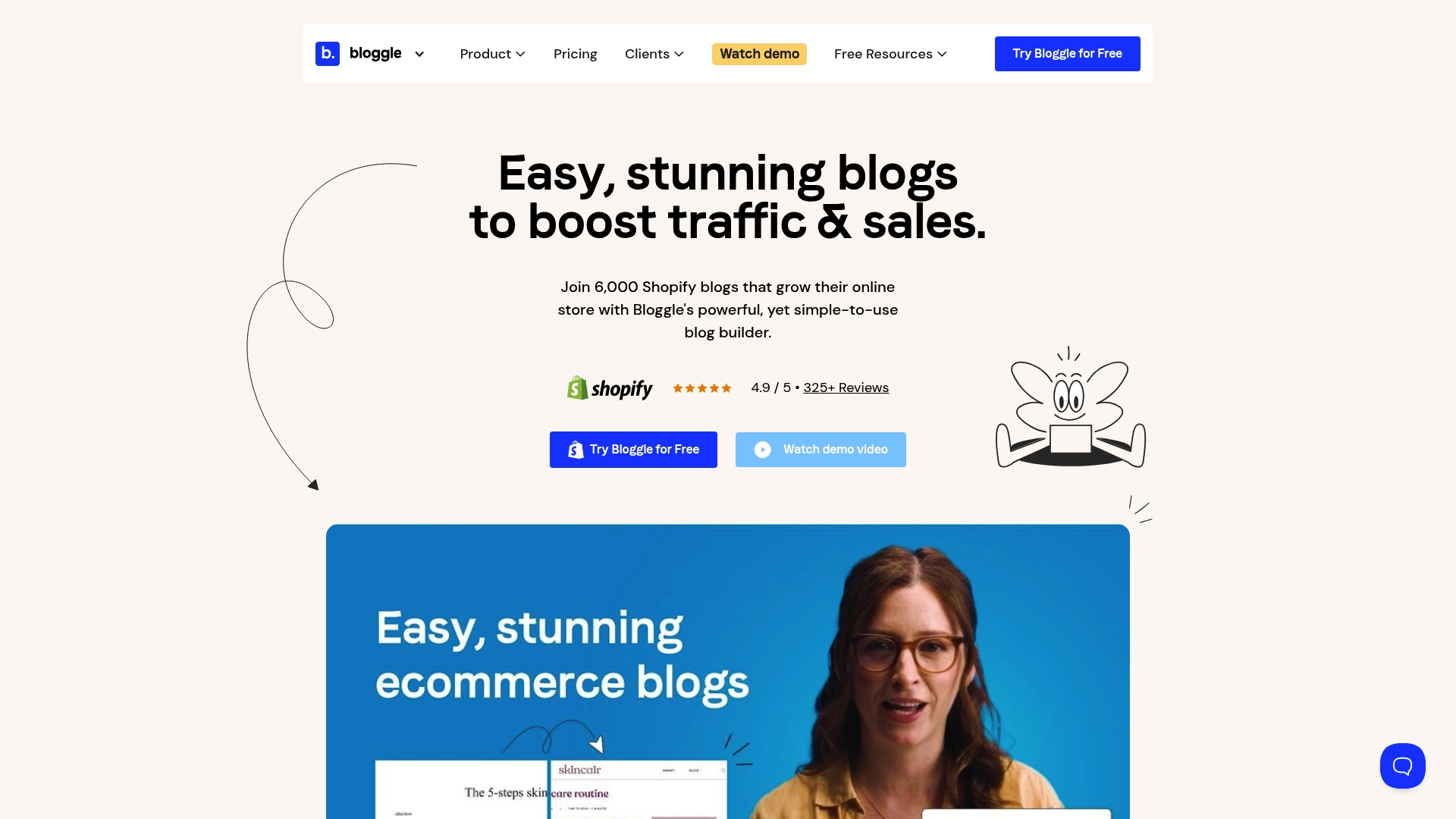
Bloggle reports it is trusted by over 6,000 stores worldwide. That user base explains why the product centers tightly on Shopify workflows and theme compatibility. The company highlights template libraries and on-page SEO features as primary reasons merchants adopt it. These elements aim to reduce setup time for store blogs.
Core Features
Bloggle combines a drag & drop editor with live SEO and UX scoring so you can edit content while viewing optimization signals. It includes ready-made templates, theme style sync, and the ability to import existing blogs and save reusable templates. Performance features include CDN image hosting and lazy loading, and the editor supports multiple post sections such as product galleries, FAQs, author bios, and related posts.
Key Differentiator
The core distinction is Shopify-first integration paired with real-time SEO and UX scoring and a template library. That focus makes Bloggle feel like a native blog layer inside Shopify themes. The product targets stores that want editing, styling, and optimization without a separate publishing workflow.
Pros
Bloggle reports 93% of users praise its editor for simplicity, which matters when you have limited content bandwidth. According to the company, TopsforDays saw traffic rise by 2,150% over an 18-month period after using the editor and publishing regularly. The product also pairs SEO suggestions, sitemap generation, and theme style sync for consistent branding and faster deployments.
Cons
- Pricing is considered slightly expensive by some merchants, treated as a marketing budget line item.
- Several advanced capabilities, such as the scoring features and deeper customization, sit behind higher tier plans.
- Custom or newly released Shopify themes may require minor adjustments for full compatibility.
When It May Not Fit
Bloggle requires a Shopify store, so it does not suit merchants on other platforms. If your team needs the full feature set but runs the cheapest plan, you will likely encounter limits. Buyers who prefer a headless publishing stack or a multi CMS setup will find Bloggle too platform specific.
Notable Integrations
Bloggle connects with Klaviyo for email workflows and with Google Translate for multilingual content support. These integrations help merchants add subscription flows and translation without rebuilding templates. Both integrations are common choices for Shopify merchants.
Who It's For
Shopify store owners and marketing teams that want a visual blog editor with SEO guidance will find this useful. Teams that value fast template setup and theme syncing get the most immediate benefit. Content-focused merchants who publish often will recover the cost through improved search visibility.
Real World Use Case
TopsforDays used Bloggle to publish regular posts and to keep theme styling consistent across articles. That traffic figure the vendor cites occurred over an 18-month period. The example shows how steady publishing plus in-editor SEO signals can move organic traffic for a store.
Pricing
Plans start at $19.9/month for the Starter tier. Higher tiers include more SEO features and integrations and are priced at $49.9/month for Pro and $79.9/month for Business.
Website: https://bloggle.app
Chakril Apps
At a Glance
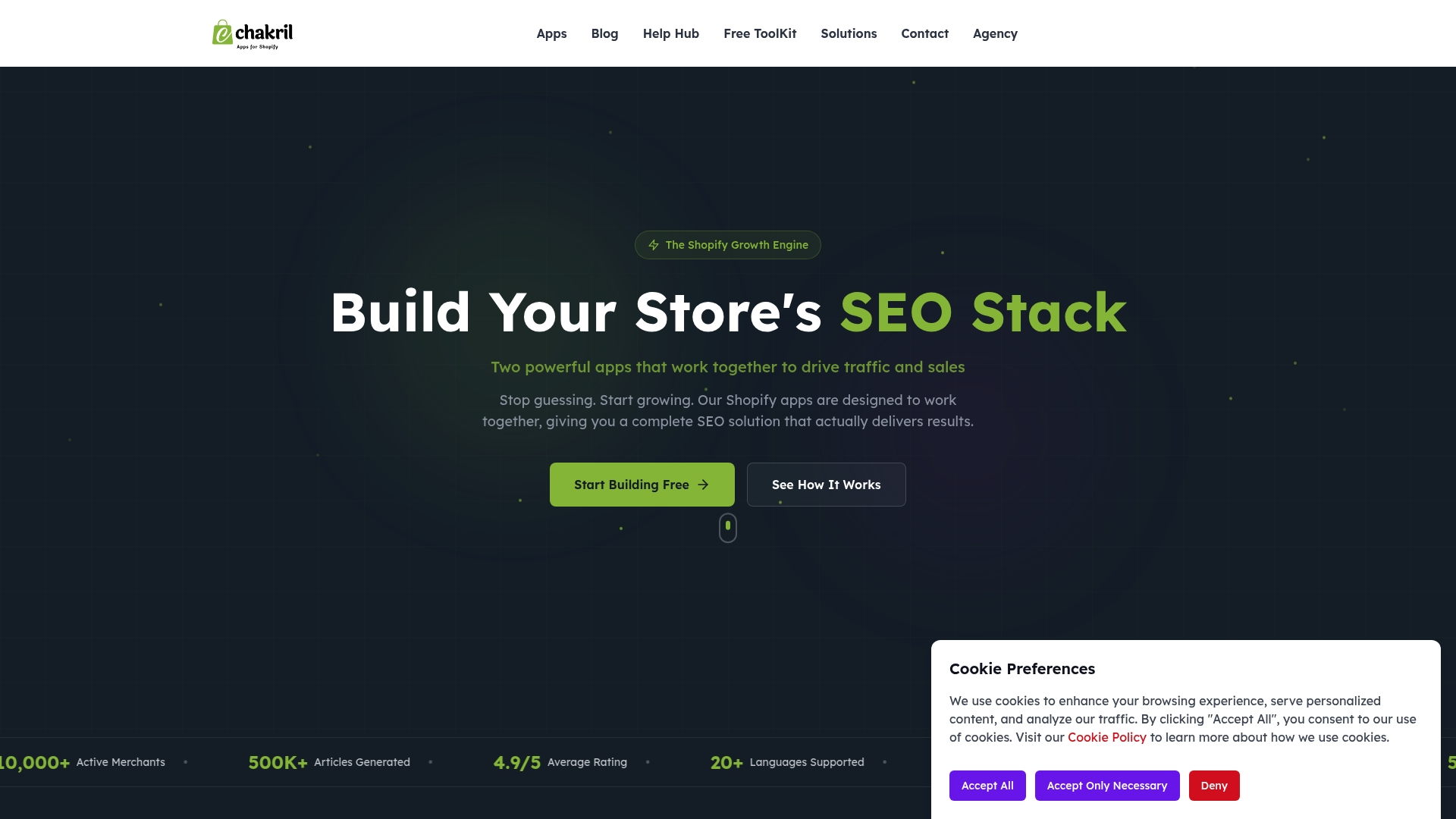
Chakril reports an average 4.9 out of 5 rating and claims traffic rises up to 300% for some merchants. The company also reports an active merchant base of more than 10,000. Those vendor figures position the app set as a hands off growth option for merchants who prefer automation.
Core Features
The suite centers on StoreBlog for AI blog generation and RankCollections for SEO friendly collection pages. It includes meta tag, URL, and structured data editing plus multilingual support. Automated scheduling and collection optimization tie content and page structure together, so changes publish without manual steps.
Key Differentiator
Chakril combines multiple AI driven SEO and content tools that work together inside Shopify. The integration links article generation to collection and meta updates so content and page structure update in the same workflow. That integrated approach focuses on reducing the number of separate apps a merchant must manage.
Pros
Chakril packages core SEO tasks into one app set built for Shopify stores, reducing the need for separate editors and plugins. Its apps work together to automate content creation, collection optimization, and meta management with minimal technical setup. The vendor reports high ratings and the merchant base above suggests these apps have real adoption among Shopify merchants.
Cons
-
Limited pricing detail for premium features; specific paid plans are not listed.
-
Advanced customization may require technical knowledge or third party support.
-
Default Shopify generated robots.txt and SEO setup often suffice, so advanced users may see limited immediate benefit without extra configuration.
When It May Not Fit
If you need deep template level SEO changes or custom site scripts, Chakril may not fit your needs. Stores that require bespoke search optimizations will likely need developer support or a separate solution. Experienced SEO teams who already run extensive manual optimizations may find limited immediate gains.
Who It's For
Shopify store owners who want an all in one SEO and traffic growth app set and who prefer automation over manual workflows. This fits merchants who need content generation, collection optimization, and meta management inside Shopify without juggling multiple third party tools.
Real World Use Case
A small Shopify retailer uses StoreBlog to publish daily posts while RankCollections automates collection sorting and on page SEO. The vendor reports the 300 percent traffic increase for that scenario, and the merchant credits daily content plus collection improvements for new customer acquisition and higher rankings.
Pricing
Chakril lists a free plan and offers paid plans and paid features for advanced needs. Specific premium plan details and pricing are not publicly listed on the product page.
Website: https://chakril.com
Booster SEO
At a Glance
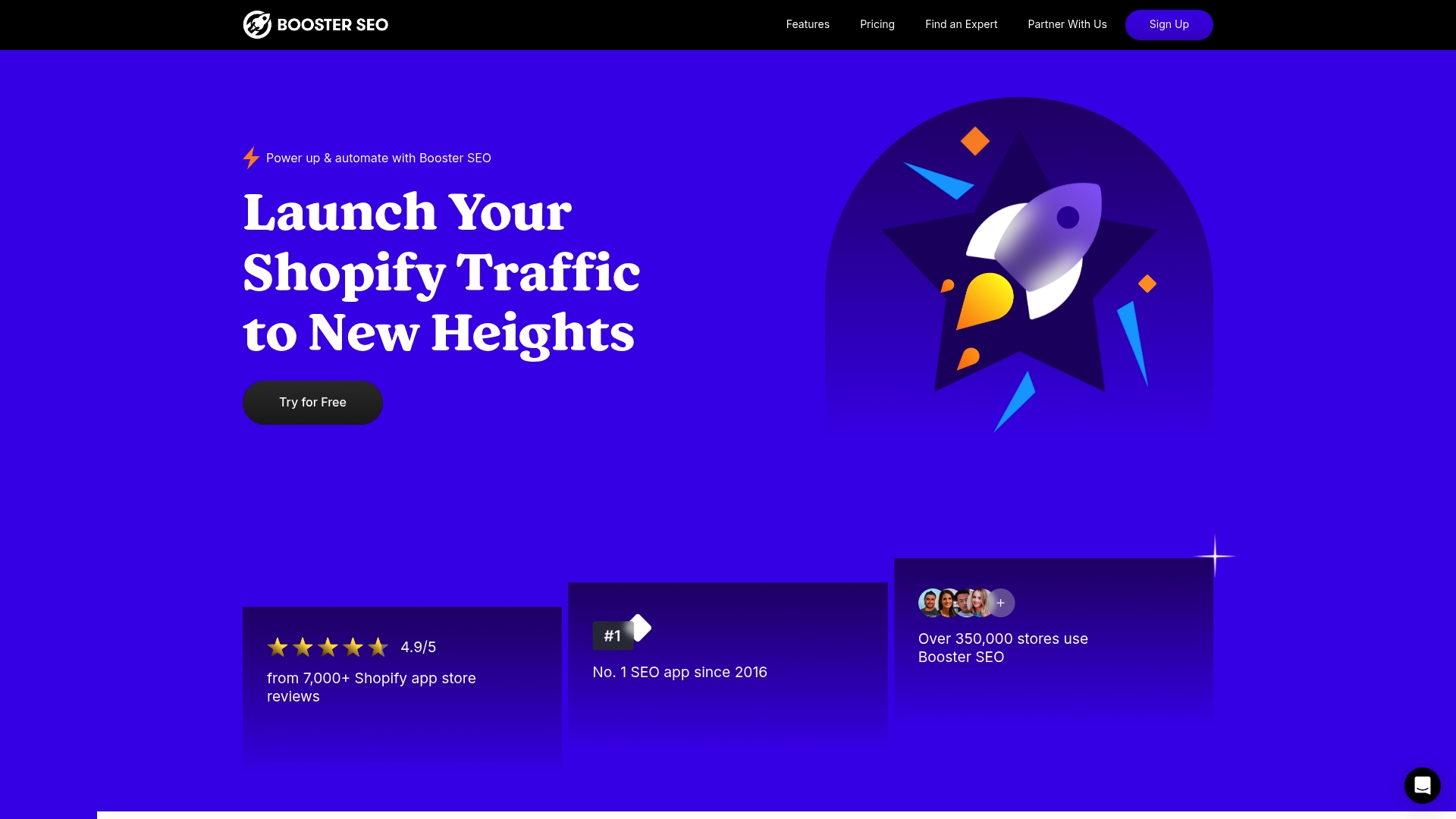
Booster SEO reports more than 350,000 stores and a 4.9/5 rating from 7,000 plus reviews. The vendor says it has been the top SEO app on Shopify since 2016. The product focuses on automation to reduce the time you spend on routine SEO tasks.
Core Features
Booster SEO automates SEO tasks using AI powered tools and it auto suggests updates based on ongoing monitoring. The app handles meta tag optimization, bulk image compression and bulk meta tag edits while creating sitemaps and fixing broken URLs automatically. It also delivers detailed SEO reports and site health scores and offers 24/7 live chat support.
Key Differentiator
The standout feature is the heavy emphasis on full automation for Shopify stores. Booster SEO bundles image optimization, sitemap creation, broken link repair, and bulk meta updates under a single automation workflow. That focus reduces hands on maintenance for merchants who prefer set and forget tools.
Pros
Installation and setup are straightforward, and the in app customer support is available around the clock for quick troubleshooting. The vendor advertises a 99 percent reduction in manual effort for routine SEO tasks, which explains why so many shops adopt it. The platform groups multiple chores into one workflow, so you can address meta tags, images, and sitemaps from the same interface.
Cons
- Automation can feel restrictive for teams that want manual, per page control over SEO settings.
- Pricing tiers may not match budgets for very small shops or requirements for very large enterprise accounts.
- Some users report they want finer control over specific SEO elements than the automated flows allow.
When It May Not Fit
Booster SEO is best when your store needs low maintenance SEO and you accept automated decisions. If you run non ecommerce websites or platforms, the app will have limited relevance. Teams that require extensive manual tuning or custom SEO rules may find the product too prescriptive.
Who It's For
Shopify merchants who want to improve search visibility with minimal hands on work will get the most from Booster SEO. Small and medium ecommerce stores with limited SEO staff will see value from the automation. Agencies managing multiple Shopify clients can use the bulk tools to save time across accounts.
Real World Use Case
A small Shopify shop used Booster SEO to automatically fix broken links across product pages, compress and bulk optimize images, and generate weekly SEO health reports. The store owner spent less time on manual edits and focused on product merchandising while the app handled routine site maintenance.
Pricing
Booster SEO offers a free tier and three paid plans. Pro starts at $39/month, Premium starts at $69/month, and Concierge is $199/month. Each tier raises the level of automation and support to match different merchant needs.
Website: https://boosterseo.com
Sorank
At a Glance
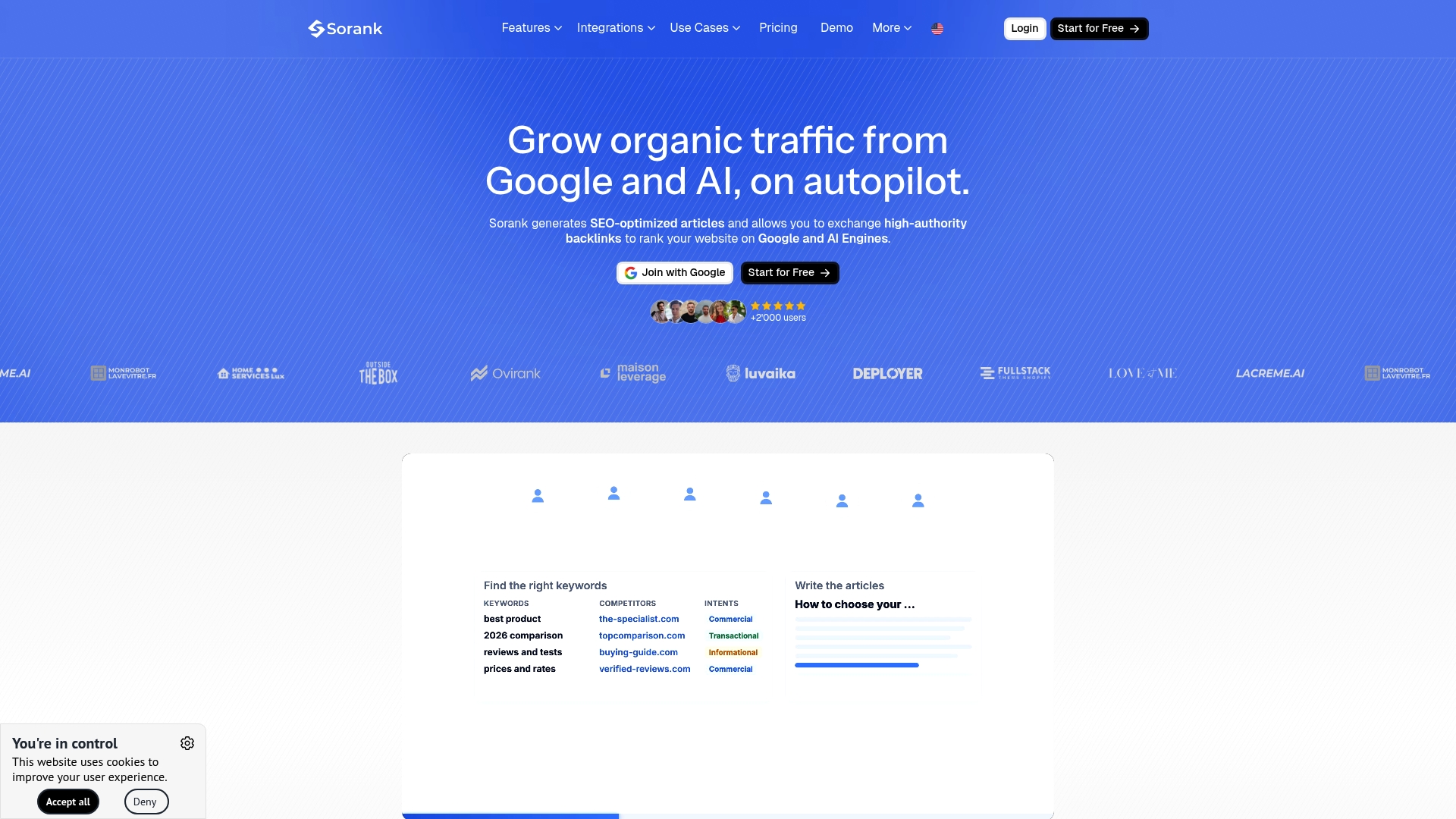
Sorank includes AI mentions tracking across 300 prompts, tied to a content and backlink automation workflow. It writes articles with sources and publishes them to major CMSs while running technical SEO audits. The vendor advertises AI citations in three weeks as an outcome timeline.
Core Features
Sorank offers Automatic article generation that includes sources, internal links, and images and can publish to WordPress, Shopify, Webflow, and Wix. It pairs a High authority backlink exchange with keyword research and topical clustering to target both classic search and AI model visibility. The platform also runs technical SEO audits, fixes common errors, and provides internal and external dashboards for reporting.
Key Differentiator
Sorank combines content, backlink work, and technical fixes under one subscription so teams do not stitch multiple tools together. It tracks AI citations and mentions across major AI models such as ChatGPT, Perplexity, Claude, Gemini, and Grok. That focus on AI visibility separates it from tools that only optimize for traditional search.
Pros
Automates the full SEO workflow so your team spends less time on drafting, publishing, and chasing backlinks. The backlink exchange and AI mentions tracking extend visibility into AI driven answers and conventional search results. Integrations with WordPress, Shopify, Webflow, Wix, Google Search Console, and GA4 let you measure outcomes and publish without manual exports or uploads.
Cons
-
Relies on AI generated content. You will need manual review to verify factual accuracy and to match brand voice.
-
Backlink network quality depends on niche relevance and outreach. Results vary by vertical and topical fit.
-
Requires initial setup and ongoing review for optimal results. Effectiveness depends on your existing content quality.
When It May Not Fit
If your editorial process requires only human written content, this platform will add review overhead. If you need precise control over every backlink and vendor touchpoint, Sorank may feel too automated. Small single site owners with limited budget may prefer a lower cost manual approach.
Notable Integrations
Sorank publishes directly to WordPress, Shopify, Webflow, and Wix so content can go live without manual uploads. It links to Google Search Console and GA4 for traffic and visibility reporting.
Who It's For
Marketing teams at growth focused ecommerce and SaaS companies that want automated content and backlink work. Agencies managing multiple client sites that prefer a single subscription per site. SEO professionals who want AI mention tracking alongside traditional SEO signals.
Real World Use Case
According to the vendor, a SaaS company improved organic traffic from 300 to 700 visitors per day in less than four months. That example shows how combined article generation, backlinks, and AI mention tracking can accelerate experimentation.
Pricing
Sorank uses a per site subscription model at $99/site/month. The model makes costs predictable for agencies and teams running multiple domains.
Website: https://sorank.com
Comparison of alternatives
Selecting the most suitable blog management platform for Shopify stores involves evaluating tools based on integration, features, and specific merchant needs. This comparison analyzes key trade-offs and highlights standout qualities among the leading options available.
Editorial workflow efficiency
For merchants prioritizing an integrated approach, BlockPress uniquely consolidates content creation, SEO optimization, and publishing tools within the Shopify admin interface. This eliminates the need to transfer data between systems, significantly reducing workflow friction. Bloggle also provides considerable integration, but with a focus on simplifying template styling and deployment, something advantageous for merchants aiming for rapid implementation.
Automation capabilities
When hands-free optimization plays a critical role, Booster SEO offers fully automated SEO maintenance including broken link fixing, meta-tag automation, and sitemap generation, ideal for merchants seeking minimal manual involvement. In contrast, Chakril Apps connects automated tools with manual configurability for content generation and collection page optimization.
Best fit
- BlockPress works best for Shopify merchants who need advanced editorial workflows directly integrated into their store's backend.
- Bloggle is effective for stores that favor pre-designed templates and theme synchronization to accelerate blog setup.
- Booster SEO caters to clients who prioritize automation and seek a "set-it-and-forget-it" SEO solution.
- Sorank suits agencies or teams focusing on outreach through backlink development and multi-platform content distribution.
Our pick
Among the reviewed options, BlockPress stands out as the best choice for Shopify merchants managing extensive blog catalogs and requiring an integrated editorial and analytics solution. However, businesses emphasizing automation or those outside Shopify's ecosystem can find alternative benefits in platforms like Booster SEO or Sorank depending on their workflows and goals.
Examining platforms offering blog management solutions within Shopify reveals several noteworthy options tailored for diverse merchant requirements.
| Product | Core Features | Unique Value | Pricing | Limitation |
|---|---|---|---|---|
| Blockpress | AI-assisted drafting, SEO/UX scoring, bulk publishing | Combines writing, auditing, and publishing in Shopify | Price not published | Shopify store dependency |
| Bloggle | Drag & drop editor, templates, theme sync | Native-feeling blog layer for Shopify themes | From $19.90/month | Advanced features behind higher tiers |
| Chakril Apps | Blog generation, collection optimization | Integrated SEO tools for unified workflows | Price not published | Requires technical knowledge for customization |
| Booster SEO | SEO automation, bulk updates, live support | Hands-free SEO maintenance for Shopify stores | From $39/month | Limited manual control over SEO elements |
| Sorank | Article and backlink automation, AI tracking | Enhances visibility in both search and AI models | $99/site/month | Requires consistent monitoring for accuracy. |
How to Solve Content Management Challenges Among seoant.com Alternatives
Managing blog content across multiple tools can slow down your Shopify store’s marketing efforts. Many merchants struggle with juggling separate apps for drafting, SEO checks, publishing, and analytics. Blockpress solves this by integrating AI-assisted drafting, real Google keyword data, live SEO and UX scoring, and bulk drip-publishing—all inside your Shopify admin. This means you handle content creation and optimization without leaving your store or switching between spreadsheets and third-party apps.
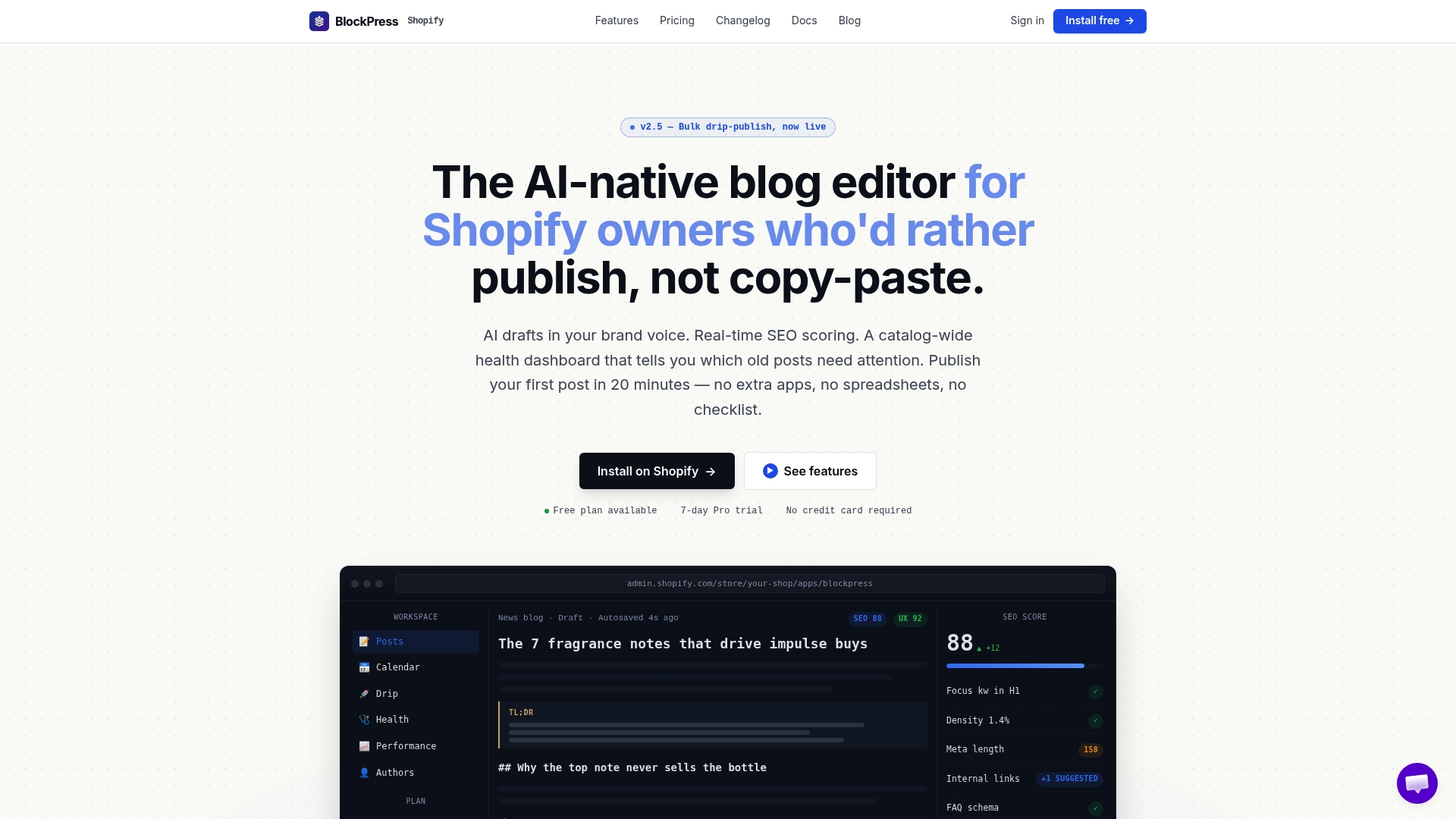
Shopify store owners and marketing teams managing dozens of posts will save time and effort with Blockpress. Explore how Blockpress replaces that common gap between basic blog editors and multiple standalone tools. Visit Blockpress today to see AI-powered article drafting and SEO auditing inside one editor. Take control of your blog workflow and publish optimized content faster with Blockpress.
FAQ
How does Blockpress support AI-assisted drafting?
Blockpress generates AI-assisted drafts using Claude-based models, providing a streamlined content creation process. This feature allows Shopify merchants to draft and optimize posts quickly, enhancing productivity. You can leverage this to create engaging blog content more efficiently.
What is the difference between Bloggle and Blockpress?
Bloggle focuses on a Shopify-first integration with ready-made templates and live SEO scoring. Blockpress, on the other hand, excels by combining drafting, SEO checks, and publishing within a single editor. If you prioritize editorial control over template-driven simplicity, Blockpress is more suitable for managing extensive blog articles.
Which platform offers real-time UX scoring?
Blockpress provides real-time SEO and UX scoring directly within its editing environment. This capability helps merchants identify optimization opportunities as they write, ensuring their content stays compliant with best practices. Utilize this feature to enhance user engagement on your Shopify blog.
Can I use Blockpress if I run a small Shopify store?
Yes, Blockpress is designed for Shopify stores of all sizes, including small businesses. The platform offers tiered pricing plans, making it accessible as your content operations grow and evolve. Explore the appropriate plan to fit your specific needs.
Does Blockpress handle performance analytics for my blog?
Blockpress tracks key performance metrics, including pageviews and time on page, providing essential insights directly in the editor. This feature enables merchants to understand their audience better and refine their content strategy accordingly. Implement this to improve your blog's effectiveness over time.