
TL;DR:
- Implementing a strategic internal linking plan on Shopify involves focusing on canonical URLs, placing links early in content, and building content clusters to enhance SEO and site navigability. Regular audits are essential to fix broken links, eliminate orphaned pages, and maintain a healthy internal linking structure that supports consistent organic growth. Utilizing tools like BlockPress can streamline this process by providing actionable SEO insights and simplifying link management for Shopify store owners.
A Shopify blog internal linking strategy is the practice of connecting your blog posts to other pages within your store to improve SEO, user experience, and content discoverability. Known in SEO as internal link architecture, this approach tells Google which pages matter most, creates crawl paths for new content, and guides shoppers deeper into your store. Without internal links, pages become orphaned, making them nearly impossible for search engines to find and index. For Shopify store owners, this is one of the highest-return SEO activities you can do without spending a dollar on ads.
How does internal linking work on Shopify?
Internal linking on Shopify follows the same SEO principles as any website, but the platform's URL structure creates specific rules you must follow to avoid wasting link equity.

Shopify generates multiple URL paths for the same product. A product can appear at "/products/product-slugor at/collections/collection-name/products/product-slug. Both URLs resolve, but only the /products/` path is the canonical product URL. When you link to the collection-path version from your blog posts, you split link equity across two URLs instead of concentrating it on one. That dilution adds up fast across a large catalog.
Your Shopify store contains three distinct content types: blog posts, product pages, and collection pages. Each serves a different purpose in your internal linking graph. Blog posts educate and attract organic traffic. Product pages convert. Collection pages group products by theme and hold strong topical authority. An effective internal linking structure connects all three in a deliberate pattern, not randomly.
Before you add a single link, map your site architecture. List your top collection pages, your highest-traffic blog posts, and your most important product pages. This map becomes your linking blueprint.
- Always link to
/products/product-slugURLs, never the collection-path variant - Link blog posts to the most relevant collection page, not just any product
- Avoid linking to pages with thin content or no commercial intent
- Use site structure mapping before executing any linking plan
Pro Tip: Run a quick search in your Shopify admin for any blog post that contains /collections/ in its internal links. Replace every instance with the canonical /products/ URL to recover lost link equity immediately.
What are the best practices for a Shopify blog linking strategy?
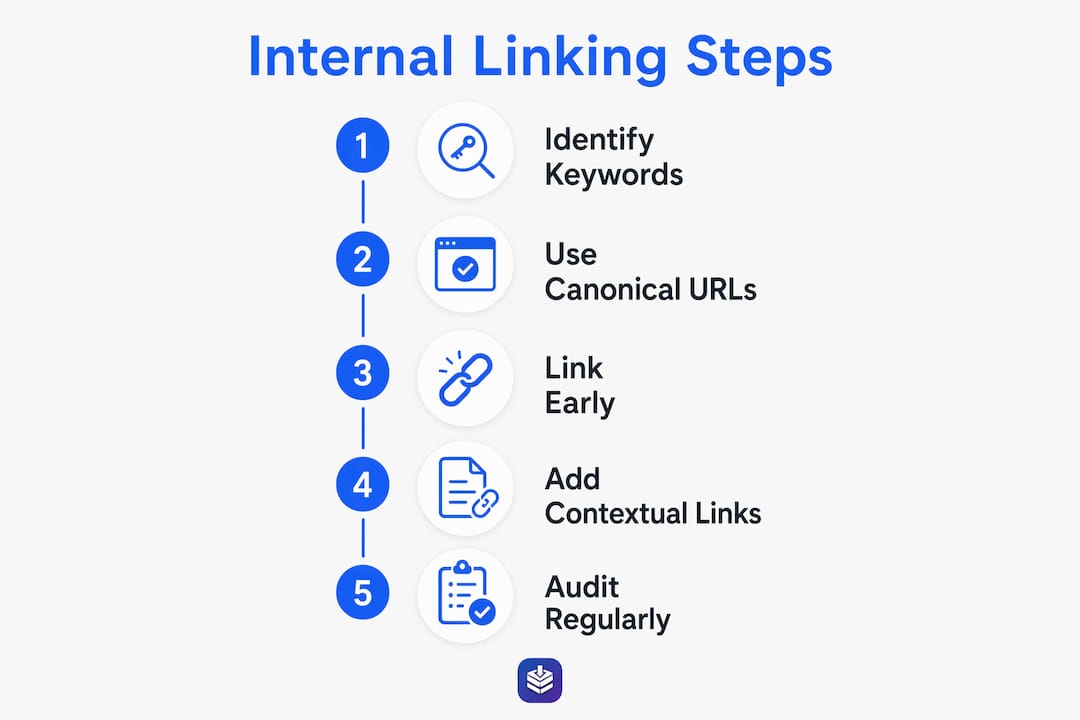
Building a strong internal linking structure for your Shopify blog comes down to five repeatable practices. Follow these consistently and your SEO results will compound over time.
-
Link to canonical URLs only. As covered above, linking non-canonical URLs dilutes equity and confuses crawlers. Every product link in your blog posts should point to
/products/product-slug. -
Place your most important links early. Links within the first 300 to 500 words carry more crawl weight and editorial signal than links buried at the bottom of a post. If you want Google to follow a link, put it where readers and crawlers both see it first.
-
Use descriptive, varied anchor text. Generic phrases like "click here" or "read more" pass no topical signal. Contextual relevance in anchor text carries more SEO value than exact-match keyword repetition. Write anchor text that describes the destination page naturally within the sentence.
-
Control link quantity per post. XD's Shopify SEO guide recommends 3 to 7 internal links per post of 1,500 to 2,500 words. More than that and you dilute the value of each link. Fewer than three and you miss linking opportunities that help both users and crawlers.
-
Audit for broken links and orphan pages regularly. A blog post with no inbound internal links is invisible to Google, regardless of how well it is written. Schedule quarterly audits to find and fix these gaps.
Pro Tip: When you publish a new blog post, immediately go back to two or three existing high-traffic posts and add a contextual link pointing to the new content. This gives the new post an instant crawl path and starts building its authority from day one.
For a deeper look at how these practices fit into a full publishing workflow, the guide on writing a Shopify blog post that ranks covers the full process from keyword research to on-page optimization.
How to audit and maintain your Shopify blog internal linking structure
A one-time linking effort is not enough. Your internal linking structure needs regular maintenance to stay effective as your store grows and content ages.
The most common issues you will find in a Shopify blog audit are broken links, orphaned pages, and over-linked posts that dilute equity across too many destinations. Adding internal links from multiple indexed pages is one of the most scalable ways to fix pages that are crawled but not indexed. It beats submitting manual indexing requests every time.
Here is what a quarterly audit should cover:
- Broken links: Use a site crawl tool like Screaming Frog or Ahrefs Site Audit to find 404 errors in your blog posts. Fix or redirect every one.
- Orphaned pages: Filter your blog posts by inbound internal links. Any post with zero inbound links needs at least two links added from relevant existing content.
- Over-linked posts: Posts with more than 10 internal links may be spreading equity too thin. Trim links that do not serve a clear user or SEO purpose.
- Authority flow: Prioritize linking from your highest-traffic pages to your newest or lowest-ranking content. Linking from authoritative pages to new content creates crawl paths and boosts ranking potential faster than any other tactic.
| Audit task | Recommended frequency |
|---|---|
| Broken link scan | Monthly |
| Orphaned page review | Quarterly |
| Anchor text diversity check | Quarterly |
| Authority flow mapping | Every 6 months |
Integrate this audit into your content publishing workflow. Every time you publish a new post, check that it links out to at least two relevant pages and receives at least two inbound links from existing content. If your blog has performance issues beyond linking, the guide on fixing an underperforming Shopify blog covers the full diagnostic process.
How to use content clusters to build topical authority
The most advanced application of internal linking for Shopify is the hub-and-spoke model, also called a content cluster. A hub-and-spoke structure with blog posts linking to collections and products builds strong topical authority that signals relevance to search engines across an entire subject area.
Here is how it works in practice. Your hub page is a broad collection page, such as /collections/skincare. Your spoke pages are blog posts covering specific topics within skincare, such as "how to build a morning skincare routine" or "best ingredients for dry skin." Each spoke links back to the hub collection page and to relevant product pages. The hub page links out to the most important spoke posts. This tight cluster tells Google that your store owns the skincare topic, not just individual keywords.
| Structure type | Best for | SEO outcome |
|---|---|---|
| Hub-and-spoke cluster | Broad product categories with multiple blog topics | Strong topical authority, improved collection page rankings |
| Linear blog chain | Step-by-step content series | Good for user flow, moderate authority signal |
| Flat linking (random) | No clear strategy | Weak authority signal, poor crawl efficiency |
Reciprocal linking between spokes and hubs is intentional, not accidental. When you publish a new spoke post, update the hub page to include a link to it. This keeps the cluster current and signals to Google that the hub is actively maintained. Stores that build even two or three tight content clusters consistently outrank competitors who publish blog posts without a linking plan.
Key takeaways
A Shopify blog internal linking strategy works when you link canonical URLs, place links early, maintain content clusters, and audit regularly to keep every page discoverable.
| Point | Details |
|---|---|
| Use canonical URLs only | Always link to /products/product-slug to avoid splitting link equity across URL variants. |
| Place links in the first 500 words | Early link placement improves crawl likelihood and editorial authority signal. |
| Build content clusters | Hub-and-spoke linking between blog posts, collections, and products builds topical authority. |
| Audit quarterly | Fix broken links and orphaned pages to keep your internal linking graph healthy. |
| Control link quantity | Aim for 3 to 7 internal links per post to maintain link value without dilution. |
What I have learned from watching Shopify stores get this wrong
Most Shopify merchants treat internal linking as an afterthought. They publish a blog post, maybe add one link to a product, and move on. The stores that rank consistently do the opposite. They treat every blog post as a node in a network, and they think about where that node connects before they hit publish.
The single most common mistake I see is linking to collection-path product URLs instead of canonical ones. It is an easy error to make because Shopify's own admin sometimes surfaces collection-path URLs when you browse products. But linking non-canonical URLs is a slow leak in your SEO. You will not notice it on one post. Across 50 posts, it becomes a real problem.
The second mistake is treating internal linking as a one-time setup. Your site grows. Old posts lose relevance. New posts go live without inbound links. Without a quarterly audit, your internal linking graph drifts into disorder. The stores that build linking into their publishing workflow, not as a separate project, are the ones that maintain consistent organic growth.
One more thing worth saying: internal linking is not just for Google. A shopper reading a blog post about skincare ingredients who sees a natural link to your vitamin C serum collection is more likely to click through and buy than one who has to navigate back to your homepage. Internal linking benefits both search engines and real shoppers. Keep both audiences in mind when you build your links.
— Rodney
Build your Shopify blog's internal linking with BlockPress
Managing internal links across a growing Shopify blog is time-consuming when you are doing it manually. BlockPress is an AI-native blog editor built directly into Shopify that makes this process faster and more accurate.
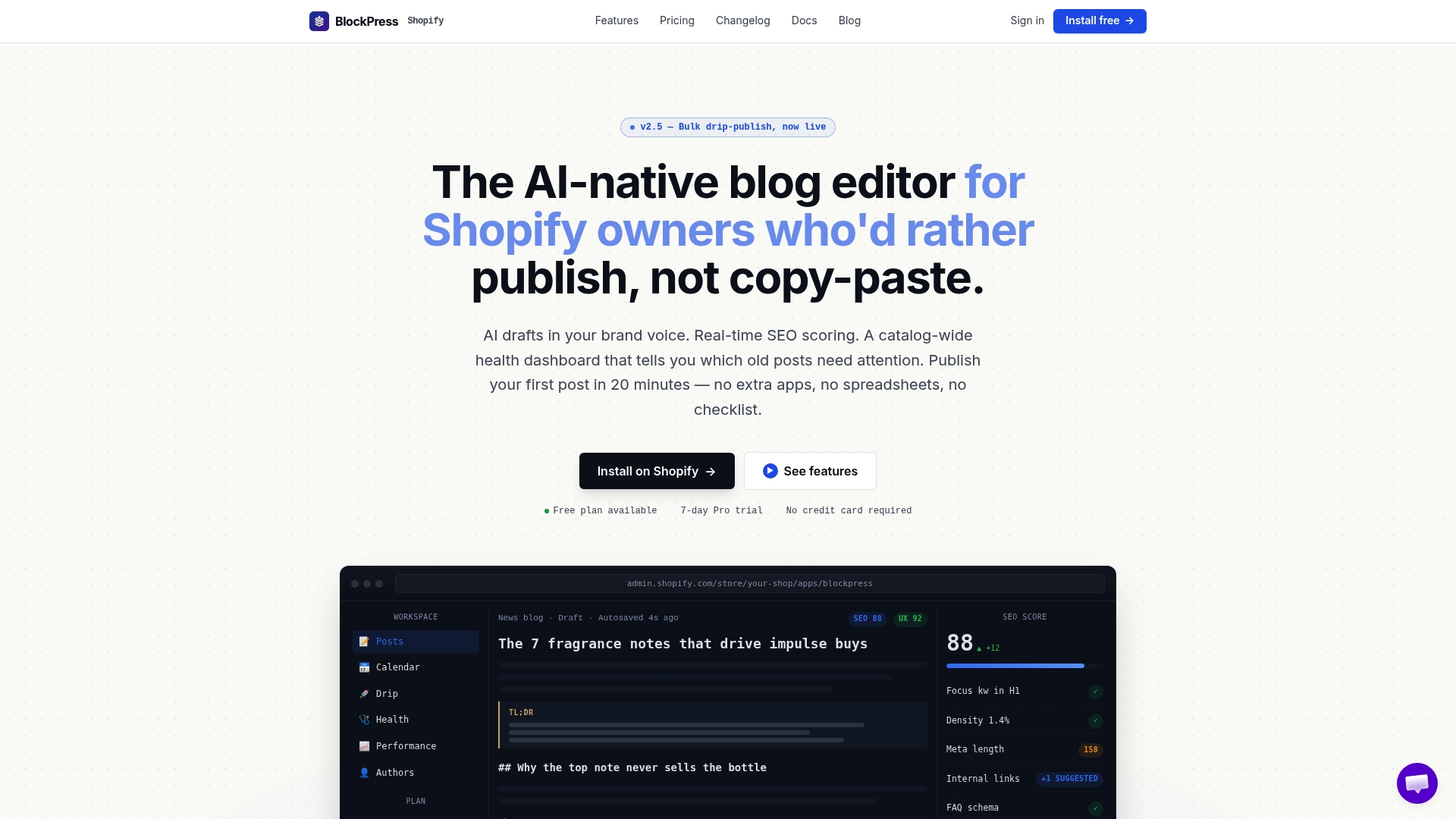
BlockPress gives you live SEO scoring, article health audits, and per-article performance analytics inside your Shopify admin. You can see which posts are underlinked, which pages need more inbound links, and where your content clusters have gaps, all without leaving your store. The BlockPress SEO checklist covers every check your posts need, including internal linking. If you want to see the full feature set, explore BlockPress features or check pricing to find the right plan for your store.
FAQ
What is a Shopify blog internal linking strategy?
A Shopify blog internal linking strategy is a plan for connecting your blog posts to product pages, collection pages, and other blog content to improve SEO and user navigation. It distributes link equity across your store and helps search engines crawl and index your content.
How many internal links should a Shopify blog post have?
Aim for 3 to 7 internal links per post of 1,500 to 2,500 words. Quality and relevance matter more than volume. Linking to pages that are genuinely useful to the reader produces better SEO results than adding links just to hit a number.
Why should I link to canonical product URLs in Shopify?
Shopify products can appear at multiple URLs, but only the /products/product-slug path is canonical. Linking to non-canonical URLs splits link equity between two versions of the same page, reducing the SEO value passed to either one.
What is a content cluster in Shopify SEO?
A content cluster is a group of blog posts linked to a central hub page, typically a collection page, around a shared topic. This structure signals topical authority to Google and helps the entire cluster rank better for related search terms.
How often should I audit my Shopify blog's internal links?
Run a broken link scan monthly and a full orphaned page review quarterly. Integrate a quick linking check into every new post you publish to prevent gaps from building up over time.