
Yes, FAQPage schema is still worth adding to Shopify pages with real Q&A content, even though Google no longer guarantees the visual accordion in search results. The fastest, most maintenance-friendly path is storing your Q&A pairs in metafields and rendering both the visible accordion and the JSON-LD from one reusable Liquid snippet. A pilot on a handful of product pages takes about 30 minutes to set up.
TL;DR:
- FAQ schema remains valuable for AI search because it helps search engines and AI systems parse Q&A content accurately, increasing the chance of your page appearing in AI-generated answers.
- The recommended setup involves storing Q&A pairs in metafields and rendering both the visible accordion and JSON-LD using one reusable Liquid snippet, which takes about 30 minutes to implement.
- Proper validation of the FAQ schema with schema.org's validator is necessary after each update to ensure the JSON-LD structure remains correct and to prevent parsing errors.
- Avoid indiscriminate placement of FAQ schema on all pages or relying solely on visual rich results, as search engines no longer guarantee visual accordions but still parse the structured data.
- Using tools like BlockPress can streamline maintaining synchronization between visible FAQ content and JSON-LD, reducing errors and drift over time.
Table of Contents
- Why FAQ Schema Still Matters for AI Search in 2026
- Where Should FAQPage Schema Actually Go?
- Four Ways to Add FAQ Schema in Shopify
- How to Add FAQ Schema Using Metafields and a Liquid Snippet
- How to Test and Validate FAQ Schema Right Now
- Common FAQ Schema Mistakes and a Simple Maintenance Routine
- How BlockPress Supports FAQ Content Without the Drift
- The Overrated Fix and the Underrated One
- A Simpler Way to Keep FAQ Content and Schema Aligned
- Sources
- FAQ
Why FAQ Schema Still Matters for AI Search in 2026
Google pulled back the visual FAQ rich result years ago, but the underlying schema type never went anywhere. FAQPage is still a fully documented, valid structured data type on Schema, and search engines still parse it whether or not they display it as a drop-down accordion.
That distinction matters more now than it did before the rich-result change, as explained in how to optimize content for AI search. Machine readers, including AI Overviews, still lean on structured Q&A to extract clean answers. Pages carrying FAQ schema are roughly 3.2 times more likely to show up in AI-generated answers than pages without it.
That gap exists because marked-up Q&A gives a language model a pre-formatted answer it can lift with confidence. Unstructured paragraph text forces the model to guess where a question ends and an answer begins.
What's changed, in practice:
- FAQ schema no longer earns you a visual accordion under your search snippet.
- It still helps Google, Bing, and AI systems parse your page's Q&A structure accurately.
- Visible on-page Q&A copy must match the schema word for word, or the mismatch becomes a liability rather than an asset.
Where Should FAQPage Schema Actually Go?
Not every page deserves FAQ schema, and stuffing it in everywhere is how stores end up with thin, spammy markup that helps nobody. The right placements come down to where real buyer questions already live.
Good candidates:
- Hero product pages where shoppers ask the same objections repeatedly (sizing, materials, shipping windows, compatibility).
- Top-performing collection pages where a short Q&A resolves category-level confusion before checkout.
- A dedicated FAQ hub or policy page covering shipping, returns, and warranty questions that apply store-wide.
Where to avoid it:
- Global injection through
theme.liquidthat fires FAQPage on every page regardless of whether real Q&A content exists there. - Blog posts where the "FAQ" is a token two-question afterthought tacked onto a longer article.
Shopify's own structured data guidance treats FAQPage as one tool in a broader ecommerce schema kit, not a blanket fix. Most implementation guides recommend keeping product and collection pages to 3 to 6 well-written Q&A pairs, which keeps the markup honest and the page readable.
Four Ways to Add FAQ Schema in Shopify
You have four realistic routes to get FAQPage schema onto your Shopify pages. Each trades off speed, maintenance burden, and long-term cost differently.
- Manual JSON-LD. Hard-code a
<script type="application/ld+json">block directly into a template. Fast for two or three pages, but every content update means editing code by hand, and drift between visible text and markup creeps in fast. - Metafields + reusable Liquid snippet (recommended). Store your Q&A pairs as structured data in a metafield, then let one snippet render both the visible accordion and the JSON-LD from that same source.
- Third-party apps. No-code setup through the Shopify App Store, often live in minutes. You trade that speed for a recurring subscription fee and dependency on the app vendor's update schedule.
- Google Tag Manager injection. Push JSON-LD into the DOM through GTM. This works, but it's a heavier, more fragile option best reserved for stores that already run complex tagging setups and have a reason to keep schema out of the theme code.
The metafield-and-snippet route wins for most stores because it creates one source of truth. When you update the FAQ metafield, both the shopper-facing accordion and the machine-readable JSON-LD update together automatically:
- No copy-paste duplication between visible content and structured data.
- Scales cleanly across dozens or hundreds of product pages without added app fees.
- Survives theme updates better than hard-coded scripts buried in template files.
Apps make sense if you have zero developer bandwidth and just need something live today. Manual JSON-LD makes sense for a one-off landing page that will never be touched again. For everything else, the snippet approach is worth the half hour it takes to set up.
How to Add FAQ Schema Using Metafields and a Liquid Snippet
Here's the build, step by step, aimed at a standard Online Store 2.0 theme.
- Create a metafield definition. In Shopify admin, go to Settings > Custom Data > Products (or Collections), and add a metafield formatted as JSON to hold an array of question and answer pairs.
- Populate the metafield. For each product or collection you're targeting, fill in your 3 to 6 Q&A pairs directly in that structured field, no code required at this stage.
- Build one reusable snippet. Create a file like
snippets/faq-schema.liquidthat loops through the metafield once and outputs two things from the same data: the visible accordion markup and the FAQPage JSON-LD block. - Escape and strip your strings. Run every question and answer through
| escapefor the JSON-LD output and| strip_htmlon any rich text, so stray HTML tags don't break the JSON structure. - Wire it into the right template. Render the snippet from
sections/main-product.liquidfor product pages, or the equivalent collection section file, matching what Shopify Community threads on FAQ implementation commonly recommend. - Guard against empty output. Wrap the whole snippet in a conditional that checks whether the metafield actually has data, so pages without FAQ content don't emit an empty or broken JSON-LD block.
- Validate before you move to the next page. Check the rendered output immediately rather than rolling this out across your whole catalog first.
Pro Tip: Build the snippet once, test it thoroughly on a single flagship product page, then clone the metafield setup across your other hero pages instead of rebuilding logic each time.
How to Test and Validate FAQ Schema Right Now
Google's Rich Results Test no longer reliably reports FAQ eligibility, since Google Search Central documented the rich-result deprecation and adjusted what that tool surfaces. That leaves you with two checks that still tell you the truth.
- Run your page URL through the Schema Markup Validator at validator.schema.org to confirm the JSON-LD is structurally valid FAQPage markup with properly nested Question and acceptedAnswer objects.
- View page source and search for
FAQPage. Confirm there's exactly one block, and that the answer text inside the JSON-LD matches what a shopper actually sees on the page. - Cross-check Search Console's URL Inspection tool for parsing errors, since it still flags malformed structured data even without FAQ-specific rich-result reporting.
Pages carrying valid FAQ schema still see that 3.2 times higher AI Overview appearance rate, which is exactly why the validation step is worth five minutes of your time after every deploy. Add this check to your routine any time you touch a theme file, install a new app, or push a code update that touches product templates.
Common FAQ Schema Mistakes and a Simple Maintenance Routine
Most FAQ schema problems trace back to one root cause: too many sources writing the same markup.
- Duplicate FAQPage blocks. An app and a theme snippet both firing FAQPage on the same page creates two competing JSON-LD blocks, which confuses parsers and wastes crawl attention.
- Visible copy drifting from JSON-LD. Someone edits the on-page accordion text but forgets the hard-coded schema, and now the two no longer match.
- Invalid JSON from unescaped strings. An apostrophe or stray HTML tag in an answer breaks the entire JSON-LD block if you skip
| escapeand| strip_html.
Pro Tip: Treat your metafield as the single source of truth for both what shoppers see and what search engines parse. If you ever find yourself editing accordion text in one place and JSON-LD in another, that's the signal to consolidate.
A lightweight maintenance checklist works better than a one-time launch and forget approach: pilot the snippet on 10 hero product pages, validate each one, then schedule a spot-check every six months or whenever you switch themes or install a new SEO app.
How BlockPress Supports FAQ Content Without the Drift
Keeping visible FAQ copy and JSON-LD in sync gets harder as your catalog grows, especially when multiple people write product content. BlockPress runs live SEO and UX scoring inside the Shopify editor, so a Q&A section that's thin or poorly matched to your target keyword gets flagged before it publishes rather than after.
Article health audits catch pages where content has quietly drifted out of date, which is exactly the failure mode that breaks FAQ schema over time. Paired with AI-generated drafts and per-article performance analytics, such an editor helps close the gap between writing FAQ content and auditing whether it still matches what was published months ago.

The Overrated Fix and the Underrated One
Most advice on FAQ schema still treats it like a rich-result hack: add the markup, wait for the accordion to show up in search, declare victory. That framing is outdated and it's why so many merchants shrug off FAQ schema entirely once they notice the visual snippet disappeared. The accordion was never the point. The machine-readable structure underneath it is what AI Overviews and other extraction systems actually consume, and that part of the deal never went away.

Where conventional advice falls short is treating implementation as a one-time task. The real risk isn't getting the JSON-LD syntax wrong on day one. It's the slow drift that happens six months later when someone updates a product description and forgets the schema sitting in a separate template file.
If you take one thing from this, prioritize the single-source-of-truth setup over speed. An app that gets you live in ten minutes sounds appealing, but a metafield-and-snippet system that can't drift out of sync will outperform it every time your catalog changes. Validate once at launch, then build the check into your regular maintenance, not just your initial rollout.
— Rodney
A Simpler Way to Keep FAQ Content and Schema Aligned
If maintaining a metafield structure and a Liquid snippet across dozens of product pages sounds like more code work than your team has time for, BlockPress offers a more direct route to the same result. It's built as an AI-native blog and content editor inside Shopify, so writing, scoring, and auditing your FAQ copy happens in one place instead of bouncing between your theme code editor and a separate SEO checker.
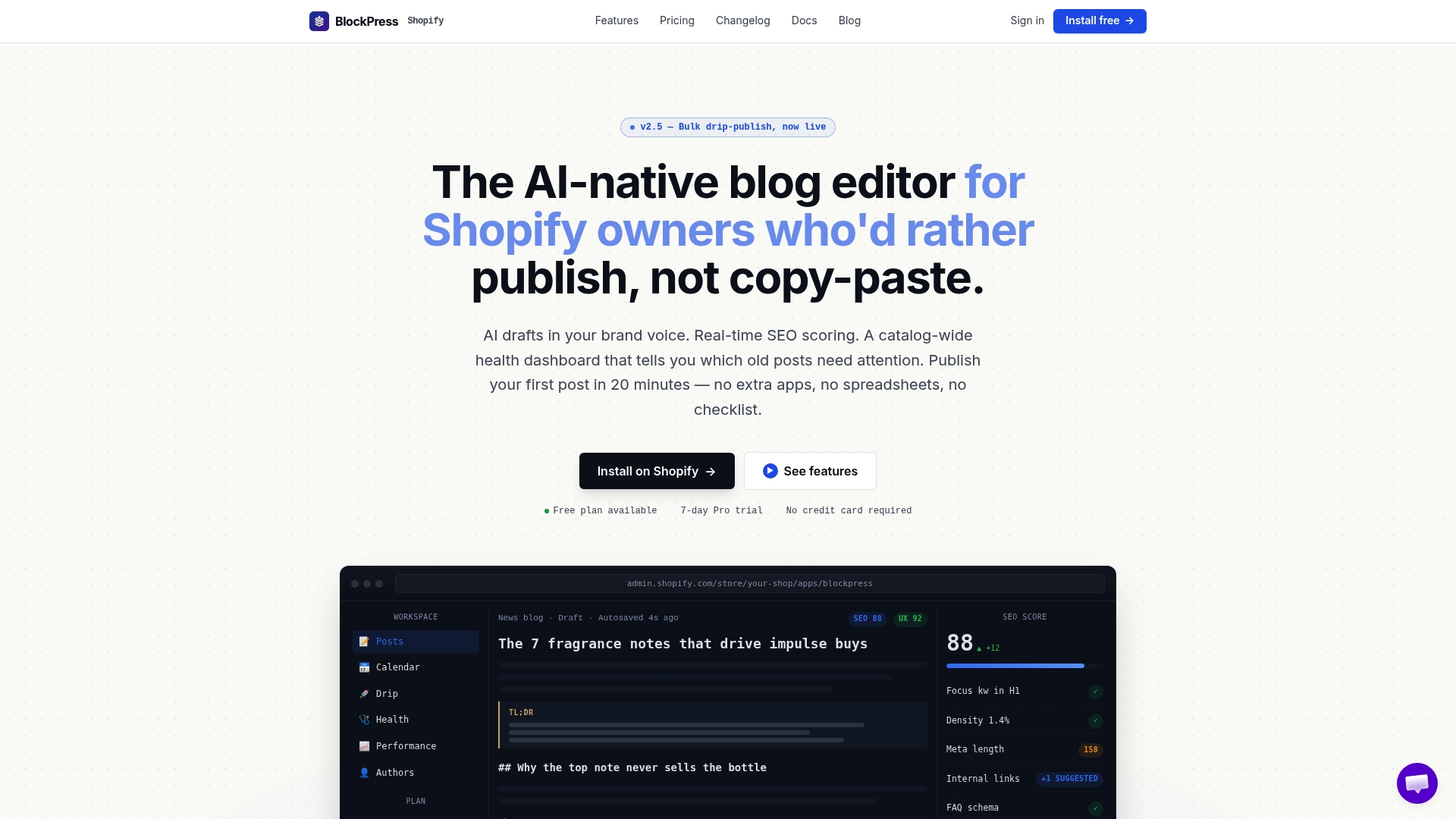
The editor provides live SEO and UX scoring while you draft, article health audits that catch pages where content has gone stale, and per-article analytics that show which FAQ sections are earning traffic. That combination reduces the odds that your visible Q&A and your structured data quietly fall out of sync, since the same editor you use to write is the one flagging problems before you publish. Check the BlockPress plans and features to see which tier fits your catalog size, or start directly from the BlockPress landing page to see the editor in action on your own store.
Sources
- Google ends FAQ rich results — Bluehost analysis
- Create FAQ schema for Shopify blog posts — Veronica Jeans
- Ecommerce Schema: Your Structured Data Guide for 2026 — Shopify
- Schema
FAQ
Does FAQ schema still work in 2026?
Yes. FAQPage schema is still a valid structured data type recognized by search engines, even though Google removed the visual accordion rich result from most search listings. It still helps machine readers, including AI Overviews, parse your Q&A content accurately.
What does FAQ schema actually do?
FAQ schema wraps your question and answer content in a standardized JSON-LD format defined by schema.org's FAQPage type, which lets search engines and AI systems extract and cite your answers directly instead of guessing at unstructured text.
How do I check if a page has FAQ schema?
View the page source and search for "FAQPage" to confirm the JSON-LD block exists, then run the URL through the Schema Markup Validator to check the structure is valid. Google's Rich Results Test no longer reliably reports FAQ eligibility, so these two manual checks matter more now.
How do I generate FAQ schema for Shopify?
The most maintenance-friendly method stores your Q&A pairs in a JSON-formatted metafield, then uses one reusable Liquid snippet to render both the visible accordion and the JSON-LD from that same data. A pilot setup on a few pages takes about 30 minutes. An editor like BlockPress can help you draft and audit the visible FAQ copy that feeds that metafield, so the content stays accurate as your catalog grows.