
TL;DR:
- Shopify's native blogging system limits author bios to staff account names, preventing custom profiles. Using metafields and Liquid code or third-party apps allows store owners to create personalized author bios with photos and social links. Implementing structured data schema enhances SEO by verifying author credibility and boosting search engine trust signals.
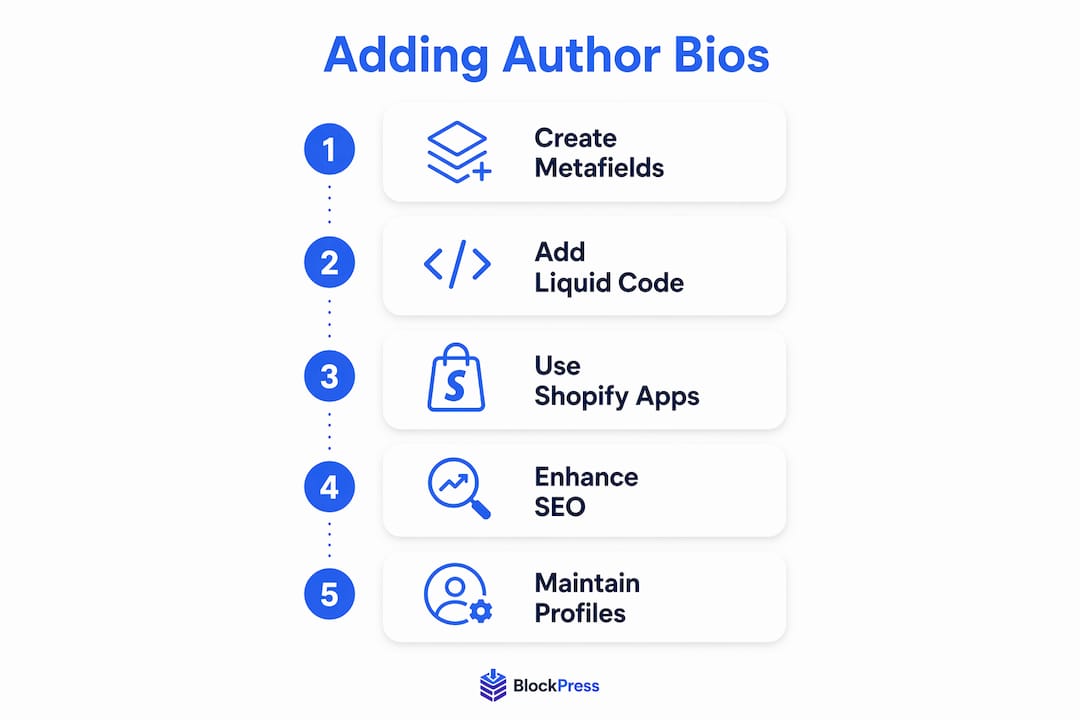
An author bio in a Shopify blog is a dedicated profile section that displays a writer's name, photo, credentials, and social links alongside each post. Shopify's native blog editor does not support custom author bios out of the box, which means most store owners either skip them entirely or rely on workarounds. That's a missed opportunity. Visible author identities build psychological trust that directly influences buying confidence, especially on advice-driven product blogs. This guide covers how to add author bio to your Shopify blog using metafields, Liquid code, third-party apps, and structured data schema.
What are shopify's native author bio limitations?
Shopify's built-in blogging system ties author attribution directly to staff accounts, and that creates real problems for growing stores. Native Shopify blogs restrict author names to staff user accounts only, and those names apply globally across every post that user publishes. You cannot create a unique bio, upload a profile photo, or add social links through the default admin.
The constraints get worse when you manage multiple writers:
- No guest author support. Every author must have a Shopify staff account to appear as a byline.
- Global name changes. Editing an author's name in their profile updates it across all their past posts, not just future ones.
- No per-post bio customization. You cannot write a different bio for a skincare expert versus a fitness coach, even if both write for your store.
- Security exposure. Creating staff accounts for guest writers grants unnecessary backend access, which is a serious vulnerability for any store handling customer data.
Pro Tip: Never create a Shopify staff account just to display a guest author's name. Use metafields or an app instead. Staff accounts carry admin-level permissions that freelance writers should never have.
For stores publishing content from multiple contributors, these limitations make Shopify's default setup impractical without a workaround.
How to add author bios using metafields and liquid code
The most flexible way to customize author profile information on Shopify is through metafields combined with Liquid template edits. Manual implementation using metafields and Liquid requires technical skill but avoids recurring app costs and keeps your data inside Shopify's own infrastructure.
Here is how to set it up:
- Create author metafields. In your Shopify admin, go to Settings > Custom Data > Articles. Add metafield definitions for author name, bio text, profile photo, and social URLs. Use clear namespaces like
custom.author_nameandcustom.author_bio. - Populate metafields per post. When editing each blog post, scroll to the custom fields section and fill in the author details. This lets you assign a different author profile to every article independently.
- Edit your Liquid template. Open your theme's
article.liquidorarticle-template.liquidfile. Add a code block that reads your metafield values and renders them in an author bio card below the post content. - Add a profile photo. Reference the image metafield using
{{ article.metafields.custom.author_photo | img_url: '80x80' }}to display a circular headshot. - Test across devices. Author bio cards often break on mobile if you use fixed-width containers. Check your layout on both desktop and phone before publishing.
| Metafield | Namespace | Type |
|---|---|---|
| Author Name | custom.author_name | Single-line text |
| Author Bio | custom.author_bio | Multi-line text |
| Profile Photo | custom.author_photo | File (image) |
| Social URL | custom.author_social | URL |
Pro Tip: Store your author bio Liquid snippet in a separate snippets/author-bio.liquid file and include it with {% render 'author-bio' %}. This keeps your article template clean and makes future edits much easier.

The main trade-off here is maintenance. Every theme update can overwrite your Liquid edits, so document your changes carefully or use a version control system like GitHub.
Which shopify apps support custom author bios?
For store owners who want author bio management without touching code, third-party apps are the practical path. Apps like Multi Author Blog provide features that Shopify's native editor simply does not offer, including guest author profiles, social link displays, and per-post bio customization.
The core benefits of using an app include:
- No coding required. Apps handle the display logic through their own templates.
- Guest author support. You can create author profiles without creating staff accounts.
- Scalability. Managing 10 or 20 authors through an app dashboard is far more practical than editing metafields manually for each post.
The trade-off is cost. Most capable blogging apps charge a monthly subscription, typically ranging from $9 to $29 per month. For stores publishing content consistently, apps are often more cost-effective long-term than hiring a developer for repeated theme customizations.
When evaluating apps, look for these features specifically: dedicated author profile pages, schema markup support, social media link fields, and compatibility with your current theme. An app that generates author profile pages also sets you up for the SEO benefits covered in the next section.
How does structured data improve author bios for SEO?
Structured data is the technical layer that makes your author bios machine-readable. Google uses it to understand who wrote your content and whether that person is a credible, real individual. This connects directly to Google's E-E-A-T framework, which stands for Experience, Expertise, Authoritativeness, and Trustworthiness.
Here is how to implement it correctly:
- Add JSON-LD BlogPosting schema. In your
article.liquidtemplate, include a<script type="application/ld+json">block. Inside it, declare the article's author as aPersonentity with their name, URL, and social profiles. - Assign a unique @id to each author. Linking blog posts to a single verified Person entity using
@idin JSON-LD allows Google to compound authority signals across every article that author writes. A URL likehttps://yourstore.com/pages/author-jane-smithworks well as the@idvalue. - Create a dedicated author profile page. Build a Shopify page for each author and add ProfilePage schema to it. ProfilePage JSON-LD schema signals to search engines that the page represents a real person, which strengthens E-E-A-T for every post they have written.
- Use the
sameAsproperty. Link the author'sPersonentity to their LinkedIn, Twitter, or other verified profiles. This cross-referencing helps Google confirm the author's real-world identity. - Validate your markup. Use Google's Rich Results Test or Schema.org's validator to confirm your JSON-LD is error-free before publishing.
Adding roughly 30–50 lines of Liquid code embeds schema markup that helps Google recognize author identity and influence across blog posts.
Many Shopify merchants skip the ProfilePage step entirely. That is a missed opportunity. ProfilePage schema on author bio pages dramatically improves how search engines aggregate author authority and associate credentials with your content. For technical SEO on ecommerce blogs, this is one of the highest-leverage changes you can make.
Key takeaways
Adding rich author bios to your Shopify blog requires overcoming native limitations through metafields, Liquid code, or apps, and pairing that with JSON-LD structured data to build lasting SEO authority.
| Point | Details |
|---|---|
| Native Shopify limits author bios | Default staff accounts offer no custom bio, photo, or social link support per post. |
| Metafields enable DIY author profiles | Use custom metafields and Liquid snippets to display unique bios without recurring app fees. |
| Apps remove the coding barrier | Third-party apps support guest authors and multi-author management without backend access risks. |
| JSON-LD schema compounds authority | A unique @id for each author links all their posts to one verified Person entity in Google's index. |
| ProfilePage schema is widely overlooked | Adding it to author profile pages boosts E-E-A-T signals that most Shopify stores are missing. |
Why author bios are worth the setup effort
I have reviewed dozens of Shopify blogs that publish genuinely good content but convert poorly. The pattern I see most often is anonymous posts. No name, no face, no reason for the reader to trust the recommendation. In ecommerce, that trust gap costs real money.
The conventional wisdom is that author bios are a "nice to have." I disagree. For any store where blog content drives purchase decisions, an author bio is a conversion element. A skincare store with a licensed esthetician writing the posts should be showing that credential on every article. Not doing so is leaving credibility on the table.
My honest recommendation for most store owners: start with metafields if you have a developer available, and add JSON-LD schema at the same time. If you are managing this yourself, an app is the faster path to a working solution. Either way, build dedicated author profile pages from day one. Retrofitting them later is far more work than getting it right upfront.
The stores I have seen get the most SEO lift from author attribution are the ones that treat their authors as credible content assets, not just bylines. That means profile pages, schema markup, and consistent attribution across every post.
— Rodney
Manage author bios natively inside shopify with Blockpress
Blockpress is an AI-native blog editor built directly into Shopify that handles author bio management without requiring metafield setup, Liquid edits, or separate apps.
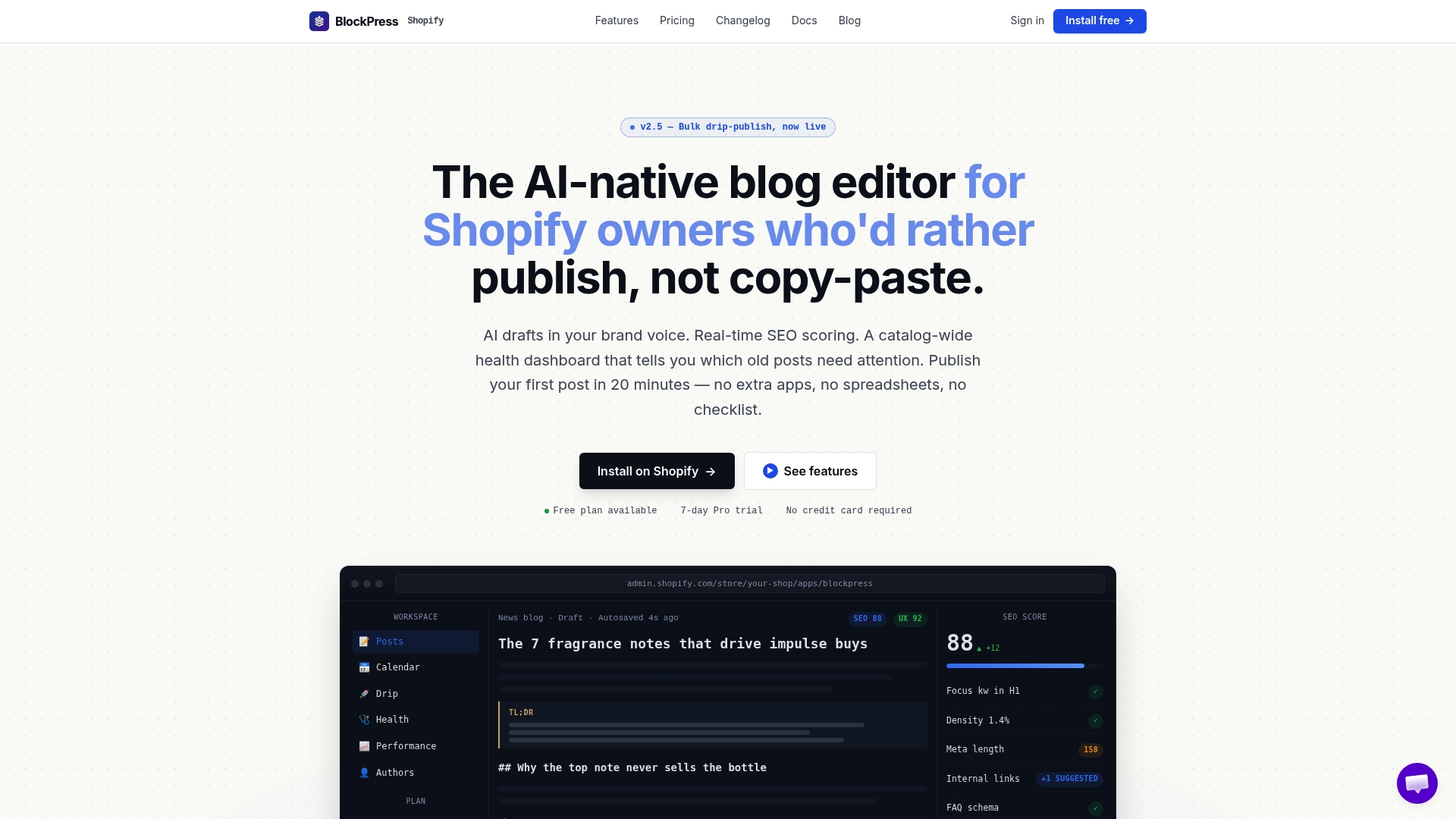
With Blockpress, you can create rich author profiles with photos, bios, and social links, then assign them to individual posts from inside the editor. Blockpress also automates SEO best practices including structured data, so your author schema is generated correctly without writing a single line of JSON-LD. For stores managing multiple contributors or freelance writers, Blockpress replaces the three separate tools most merchants currently use. Explore the full author bio and SEO features or get started at Blockpress today.
FAQ
What is an author bio on a shopify blog?
An author bio is a profile section displayed on blog posts that shows the writer's name, photo, credentials, and social links. It builds reader trust and supports Google's E-E-A-T guidelines for content credibility.
Can shopify display author bios natively?
No. Shopify's native blog editor only shows the staff account name as a byline. Custom bios, photos, and social links require metafields, Liquid code edits, or a third-party app.
Is it safe to create staff accounts for guest authors?
No. Creating staff accounts for guest writers grants unnecessary backend access and creates a security risk. Use metafields or an app to manage guest author profiles instead.
Does adding an author bio help with SEO?
Yes. Pairing a visible author bio with JSON-LD BlogPosting schema and a ProfilePage on a dedicated author URL signals author credibility to Google and strengthens your site's E-E-A-T score.
How do i test if my author schema is working?
Use Google's Rich Results Test by entering your blog post URL. It will show whether your JSON-LD is valid and whether Google can read your author's Person entity correctly.