
TL;DR:
- Shopify stores lose Google rankings primarily due to indexation issues, canonical inconsistencies, or AI-generated click interception. Diagnosing these problems in sequence—focusing first on crawl errors, proper canonical validation, and AI impact—is essential for effective recovery. Addressing technical SEO and content quality, alongside adapting to AI Overviews, helps merchants improve visibility and maintain search performance.
Shopify stores lose Google rankings when crawlers cannot access their pages, duplicate content fragments ranking signals, AI-generated search formats intercept clicks, or content lacks the depth and authority Google now demands. These are not random events. They follow predictable patterns tied to how Shopify handles URLs, canonicalization, and page structure. Understanding which cause is driving your decline is the diagnostic step most store owners skip entirely, and it is the one that matters most.
Why Shopify stores lose Google rankings: indexation problems first
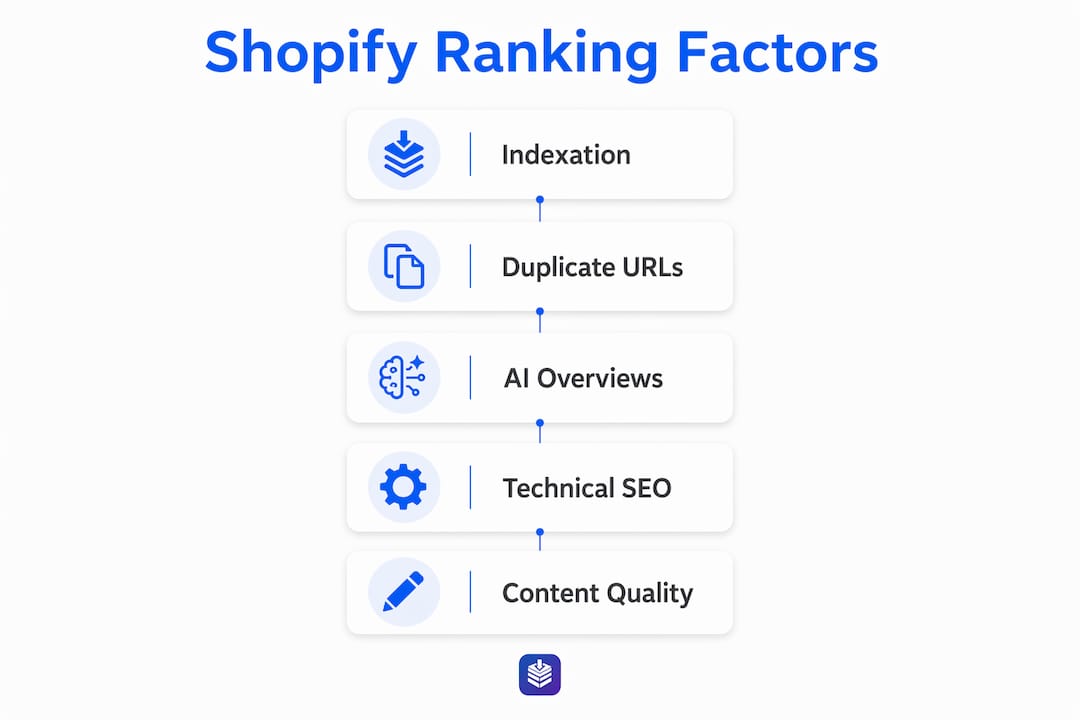
The most common reason a Shopify store drops in rankings is that Google never properly indexed its pages to begin with. Five top indexation blockers include password protection that prevents sitemap access, an unverified Google Search Console property, accidental noindex directives, robots.txt exclusions, and thin content that Google deprioritizes. Each of these is diagnosable within minutes using the Pages report in Google Search Console.

Password protection is the most overlooked culprit. A store left in development mode with Shopify's password lock active is completely invisible to Google's crawlers. New stores also face a natural crawl delay of several weeks, which many owners misread as a ranking drop rather than a crawl queue issue.
Here is what to check immediately if your store is not appearing in search:
- Confirm your store password is disabled under Shopify Admin > Online Store > Preferences
- Verify your Google Search Console property and submit your sitemap at "yourdomain.com/sitemap.xml`
- Use the URL Inspection tool in Search Console to check whether specific pages are indexed
- Review your theme's Liquid files for any hardcoded noindex tags
- Check your robots.txt at
yourdomain.com/robots.txtfor unintended disallow rules
Pro Tip: Run the URL Inspection tool on your top five product pages right now. If any return "URL is not on Google," you have an indexation problem, not a ranking problem. Fix the access issue before touching anything else.
How duplicate content and URL cannibalization hurt Shopify rankings
67% of Shopify stores audited had content cannibalization caused by Shopify's URL variants competing for the same keywords. This is a structural issue baked into how Shopify generates URLs for collections, tags, and product variants. A single product can appear at /products/blue-sneakers, /collections/footwear/products/blue-sneakers, and /collections/sale/products/blue-sneakers simultaneously, splitting ranking signals across three URLs.
Canonical tags are supposed to solve this. Shopify sets canonical tags by default, but canonical inconsistencies frequently appear when theme updates or third-party apps modify Liquid templates. The canonical tag in your theme code may point to the correct URL, but the rendered HTML that Google actually reads can differ. Always validate using Search Console's URL Inspection tool, not just your source code.
| Issue | Impact | Fix |
|---|---|---|
| Collection URL variants | Splits ranking signals across multiple URLs | Set canonical to primary product URL |
| Tag-based URLs | Creates thin, duplicate category pages | Noindex tag pages or consolidate content |
| Broken canonicals from app overrides | Google picks unintended URL to rank | Validate rendered HTML via Search Console |
| Keyword cannibalization across blog posts | Two pages compete for the same query | Merge thin posts or use 301 redirects |
Effective fixes go beyond canonical hints. Selecting a primary URL, merging thin content clusters, and implementing 301 redirects are more reliable than relying on canonicals alone, especially after Google's 2025 core updates penalized cannibalization more aggressively.
Pro Tip: In Search Console, filter the Performance report by page and look for two URLs ranking for the same query. That is your cannibalization signal. Merge or redirect the weaker page to the stronger one.
Are AI Overviews stealing your Shopify traffic?
Google AI Overviews now appear on roughly 65% of search results and reduce organic click-through rates by 18% to 34%. This means your rankings may be completely stable while your traffic falls. That distinction matters because the fix for each scenario is entirely different.
The diagnostic is straightforward. True ranking drops show falling impressions and clicks in Search Console. AI interception shows stable or rising impressions with declining clicks. If your impressions are holding steady but clicks are dropping, you are not losing rankings. You are losing clicks to an AI-generated summary sitting above your result.
"Brands must adapt to AI Overviews by optimizing schema markup and shifting to long-tail keywords, as a pure organic ranking strategy is no longer sufficient." — Google AI Overviews Impact on DTC SEO
For Shopify stores that rely on informational blog content to drive product discovery, this is a serious shift. The adaptive strategies that work include:
- Adding structured data markup (FAQ schema, Product schema, HowTo schema) to increase the chance your content is cited inside AI Overviews
- Targeting long-tail, buyer-intent queries where AI Overviews appear less frequently
- Optimizing meta titles and descriptions for clicks, since your listing still appears beneath the AI block
- Building content that answers specific questions rather than broad topics, which AI summaries tend to absorb
Technical SEO factors that drag down Shopify store performance
Core Web Vitals function as a baseline ranking factor in 2026, with Largest Contentful Paint (LCP), Interaction to Next Paint (INP), and Cumulative Layout Shift (CLS) all influencing both rankings and user engagement on product detail pages. A slow Shopify store is not just a bad experience. It is a ranking liability.
Shopify store slowdowns most commonly come from app bloat, uncompressed images, and excessive fonts. The data is direct: 53% of mobile visitors leave sites that take more than three seconds to load, and a 0.1-second speed improvement lifts conversion rates by 8.4% according to Deloitte. That is a ranking and revenue problem in one.
Here is a practical audit sequence to follow:
- Run your store through Google PageSpeed Insights and record your LCP, INP, and CLS scores for both mobile and desktop
- Open your Shopify Admin and audit every installed app. Remove any app that is not actively generating revenue or solving a documented problem
- Compress all product images using a tool like TinyPNG or Shopify's built-in image optimization before uploading
- Check for redirect chains using Screaming Frog or a similar crawler. A chain of three or more redirects wastes crawl budget and slows load time
- Identify orphan pages (pages with no internal links pointing to them) and either add internal links or redirect them to relevant pages
You can learn more about technical SEO for ecommerce blogs to go deeper on crawl budget and mobile-first indexing strategies specific to Shopify.
Pro Tip: Mobile-first indexing means Google ranks your site based on its mobile version. If your desktop store looks great but your mobile experience is slow or broken, your rankings will reflect the mobile version, not the desktop one.
Content quality mistakes that cause Shopify ranking declines
Thin and generic product descriptions are one of the most consistent content-related causes of declining Shopify rankings. Copying manufacturer descriptions across dozens of product pages creates duplicate content at scale, and Google deprioritizes pages that offer no unique value. Every product and collection page needs a description that answers the buyer's actual questions, not just lists specifications.
Keyword targeting mistakes compound the problem. Many Shopify stores target high-competition head terms like "running shoes" when they would rank far more effectively for long-tail, buyer-intent queries like "men's wide-fit trail running shoes under $100." Search Console's Performance report shows exactly which queries your pages currently appear for and at what average position, giving you a clear map of where to focus.
Building domain authority through backlinks and content engagement remains non-negotiable. A store with strong technical SEO but no external links pointing to it will consistently lose ground to competitors who have earned coverage from relevant publications, blogs, and industry directories. A well-structured Shopify blog internal linking strategy also distributes authority across your store's pages rather than concentrating it on the homepage alone.
Key takeaways
Shopify stores lose Google rankings due to multiple concurrent causes, and diagnosing the right one before applying fixes is what separates merchants who recover from those who keep guessing.
| Point | Details |
|---|---|
| Indexation comes first | Check Search Console for crawl errors and unindexed pages before any other fix. |
| Canonicals need validation | Verify rendered HTML, not just theme code, to catch app-caused canonical breaks. |
| AI Overviews need a different fix | Stable impressions with falling clicks signal AI interception, not a ranking drop. |
| Page speed is a ranking factor | Remove unused apps and compress images to meet Core Web Vitals thresholds. |
| Content depth beats content volume | Unique, buyer-intent-focused descriptions outperform thin or copied product copy. |
The multi-cause reality most Shopify owners miss
I have reviewed enough Shopify stores to say with confidence that the single-cause ranking drop is the exception, not the rule. Audits consistently show two to three concurrent causes driving most declines: an indexation issue compounded by canonical fragmentation, or a content quality problem amplified by AI Overview interception. Treating one and ignoring the others is why so many stores see partial recovery and then plateau.
What I find most underappreciated right now is the AI Overviews shift. Store owners see their rankings hold steady in Search Console and assume everything is fine, then wonder why revenue is falling. The click-through rate collapse beneath AI blocks is real, and it requires a fundamentally different response than traditional SEO fixes. Schema markup and long-tail targeting are not optional extras anymore. They are the adaptation layer every Shopify store needs in 2026.
My honest advice: run your diagnostics in this order. Indexation first, then canonicals, then technical performance, then content quality, then AI visibility. Do not skip to content fixes if your pages are not even indexed. And do not assume a ranking drop is a ranking drop until you have checked whether impressions are actually falling or just clicks.
— Rodney
How Blockpress helps you fix Shopify SEO faster
If you have worked through this article and realized you are dealing with multiple SEO issues at once, you are not alone. Most Shopify merchants juggle three or four separate tools to cover what a single, well-built editor should handle natively.
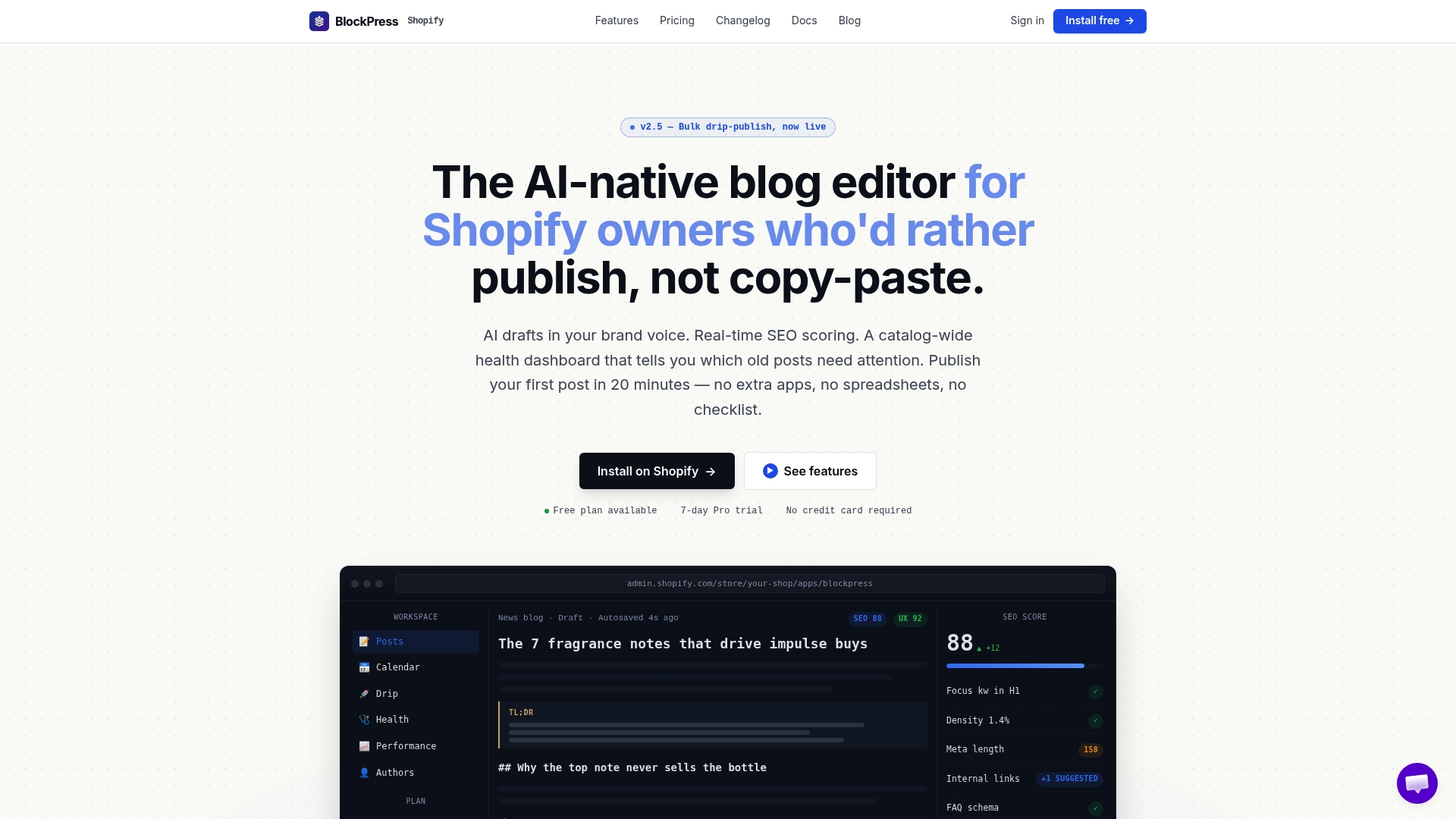
Blockpress is built directly into Shopify and gives you real Google keyword data, live SEO scoring, article health audits, and per-article performance analytics without leaving your store. It surfaces the exact issues covered in this article, including thin content flags, internal linking gaps, and keyword targeting problems, and shows you how to fix them inside the same editor where you write. If you are serious about recovering and growing your Shopify store's search visibility, explore Blockpress features to see how it replaces the patchwork of apps most merchants rely on today.
FAQ
Why is my Shopify store not showing up on Google?
Your store is likely blocked from indexing due to password protection, an unverified Google Search Console property, or a noindex tag in your theme. Use the URL Inspection tool in Search Console to confirm whether your pages are indexed.
What causes duplicate content on Shopify?
Shopify automatically generates multiple URLs for the same product through collections, tags, and variant parameters. Broken or inconsistent canonical tags caused by theme or app changes then prevent Google from consolidating ranking signals to the correct URL.
How do I know if AI Overviews are causing my traffic drop?
Open Google Search Console and compare impressions to clicks over the same period. If impressions are stable or rising while clicks are falling, AI Overviews are intercepting your traffic rather than a true ranking decline occurring.
How do Core Web Vitals affect my Shopify rankings?
Core Web Vitals (LCP, INP, and CLS) serve as a baseline ranking signal in 2026. Shopify stores with excessive apps, uncompressed images, or slow third-party scripts frequently fail these thresholds, which suppresses rankings especially on mobile.
What is the fastest way to improve Shopify SEO?
Start with an indexation audit in Google Search Console, then validate your canonical tags using the URL Inspection tool. Fixing crawl access and canonical fragmentation delivers faster ranking recovery than rewriting content or building backlinks.