
TL;DR:
- Page speed is a key Google ranking factor that affects search visibility through Core Web Vitals metrics. Failing these thresholds results in ranking penalties and worsens user engagement signals like bounce rate and dwell time.
Page speed is a confirmed Google ranking factor that directly determines where your blog appears in search results. Understanding how page speed affects blog SEO means knowing two things: the technical thresholds Google enforces through Core Web Vitals, and the behavioral signals slow pages destroy before Google even notices. Bloggers and digital marketers who treat speed as a one-time fix consistently underperform those who treat it as ongoing maintenance. This guide covers the mechanics, the data, and the practical steps to get your blog performing where it needs to be.
How page speed affects blog SEO rankings
Page speed influences SEO through Google's Core Web Vitals, a set of three measurable metrics that define loading quality. These are Largest Contentful Paint (LCP), Interaction to Next Paint (INP), and Cumulative Layout Shift (CLS). Google uses them as official ranking factors with defined pass/fail thresholds.

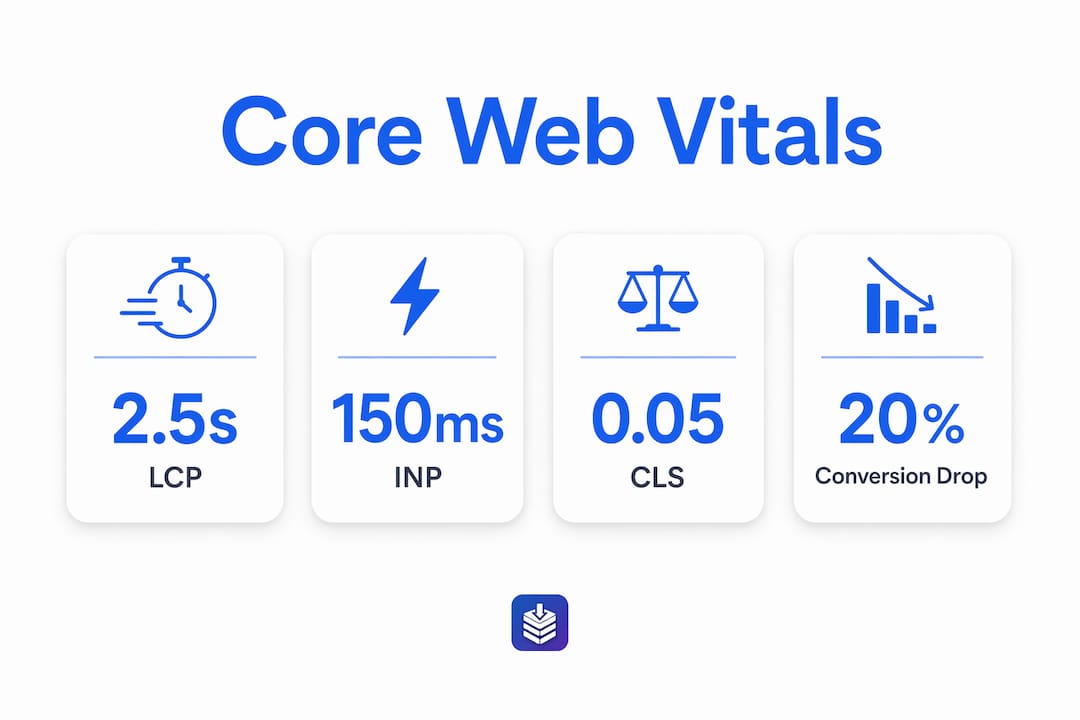
The thresholds are specific. LCP must be under 2.5 seconds, INP under 150ms, and CLS below 0.05. Failing any one of these triggers a ranking penalty. Passing all three removes that penalty.
| Metric | Good threshold | What it measures |
|---|---|---|
| LCP | Under 2.5 seconds | How fast the main content loads |
| INP | Under 150ms | How fast the page responds to input |
| CLS | Below 0.05 | How much the layout shifts during load |
The correlation between speed and ranking position is measurable. Top 3 ranking pages average an LCP of 1.8 seconds, while lower first-page results average 3.4 seconds. That gap is not coincidental. It reflects both direct ranking signals and the user behavior patterns that faster pages produce.
Pro Tip: Use Google PageSpeed Insights or DebugBear to test your LCP, INP, and CLS scores by page type, not just your homepage. Post pages and archive pages often have different bottlenecks.
Visual stability matters more than most bloggers realize. Users abandon pages with large layout shifts, and lower CLS scores correlate directly with higher engagement rates. A page that loads fast but jumps around as ads and images render still fails the user experience test.
How slow pages damage traffic through user behavior
Page speed's indirect effects on SEO are often more damaging than the direct ranking penalty. A 1-second delay in page load reduces conversion rates by 20%. That is not a minor inconvenience. It is a measurable revenue and engagement loss that compounds over time.
Mobile behavior is even less forgiving. 53% of mobile users abandon sites that take longer than 3 seconds to load. For blogs that rely on organic mobile traffic, that abandonment rate translates directly into higher bounce rates and lower dwell time.
Google reads those behavioral signals as quality indicators. When users land on your blog and leave immediately, Google interprets that as a relevance problem. Over time, bounce rates and dwell time dilute your content's authority and engagement signals, dragging rankings down even for well-written posts.
- Bounce rate increases when pages load slowly, signaling low relevance to Google
- Dwell time drops as users leave before content fully renders
- Crawl efficiency suffers when slow server response times limit how often Googlebot indexes your pages
- Conversion rates fall even when users stay, because slow interactions reduce trust
Speed improvements also benefit ad quality scores and user satisfaction, making fast loading a multi-channel revenue lever, not just an SEO checkbox.
Common myths about speed and SEO rankings
The biggest misconception in blog speed optimization is that faster always means higher rankings. Google's algorithm treats speed as a gatekeeper, not a leaderboard. Failing speed thresholds penalizes rankings significantly, but once you pass the "Good" threshold, further speed gains produce almost no additional ranking benefit.
Achieving the Google-defined "Good" threshold is the critical step. Chasing sub-second load times yields diminishing returns on SEO impact.
Improving Core Web Vitals from "Poor" to "Good" typically produces modest ranking gains within 4 to 8 weeks. Moving from "Good" to "Excellent" rarely moves rankings at all. That means spending hours shaving milliseconds off an already-passing score is time better spent on content quality or internal linking.
Speed is also a tiebreaker, not a trump card. Two blogs competing for the same keyword will see the faster one rank higher when content quality is comparable. But a slow blog with genuinely better content will still outrank a fast blog with thin content. The practical takeaway: fix speed problems that put you below "Good" thresholds, then focus your energy on content and on-page SEO.
Practical blog speed optimization tips that actually work
Effective speed optimization starts with measurement, not guesswork. Test your blog using Google PageSpeed Insights or DebugBear, and segment your testing by page type. Your homepage, individual post pages, and archive pages each have different bottlenecks. Applying one fix across all page types wastes time and misses the real problems.
Follow this sequence for the highest impact:
- Baseline each page type. Run PageSpeed Insights on your homepage, your three highest-traffic posts, and one archive page. Record LCP, INP, and CLS scores separately.
- Fix image loading first. Unoptimized images are the most common LCP killer. Compress images, use modern formats like WebP, and add explicit width and height attributes to prevent layout shifts.
- Audit your plugins and scripts. Every third-party script adds load time. Remove plugins you do not actively use. Defer non-critical JavaScript so it does not block rendering.
- Enable caching. Server-side caching dramatically reduces time to first byte, which directly improves LCP. Most hosting providers offer this as a built-in setting.
- Eliminate layout shifts. Reserve space for ads, embeds, and images before they load. This is the fastest way to improve CLS without touching your content.
- Run a monthly speed audit. New plugins, theme updates, and added scripts can silently degrade performance. A monthly check catches regressions before they affect rankings.
Pro Tip: Do not optimize for PageSpeed Insights score alone. A score of 90+ with a failing LCP still hurts your rankings. Focus on the three Core Web Vitals metrics, not the composite score.
Technical SEO for your blog goes beyond speed, but speed is the foundation. If your technical SEO setup is solid, speed fixes compound with other improvements rather than working in isolation.
Key Takeaways
Page speed affects blog SEO by triggering ranking penalties when Core Web Vitals thresholds fail, and by degrading user behavior signals that Google uses to judge content quality.
| Point | Details |
|---|---|
| Core Web Vitals are pass/fail | LCP under 2.5s, INP under 150ms, and CLS below 0.05 remove ranking penalties. |
| Speed is a tiebreaker | Comparable content ranks higher when the faster page meets "Good" thresholds. |
| Behavior signals compound | Slow pages raise bounce rates and lower dwell time, hurting rankings indirectly. |
| Diminishing returns are real | Improving from "Good" to "Excellent" rarely produces additional ranking gains. |
| Test by page type | Homepage, post, and archive pages have different bottlenecks and need separate fixes. |
Speed scores are not the goal. Rankings are.
I've watched bloggers spend weeks chasing a perfect PageSpeed Insights score while their actual rankings stayed flat. The score is a proxy. What Google cares about is whether your page passes the Core Web Vitals thresholds and whether users stay long enough to engage with your content.
The most useful shift I've seen is treating speed as a floor, not a ceiling. Get every page type above the "Good" threshold, then stop. Redirect that energy toward fixing thin content, building internal links, and running regular SEO audits that catch problems before they compound.
One thing that surprises most bloggers: fixing CLS often produces faster ranking improvements than fixing LCP. Layout shifts are highly visible to users and easy for Google to measure. A page that stops jumping around feels faster even if the load time is identical. That perception matters for dwell time, and dwell time matters for rankings.
Speed optimization is not a project you complete. It is a maintenance habit. Treat it like that, and it earns its keep every month.
— Rodney
Blockpress keeps your blog SEO-ready from the start
Slow blogs often trace back to bloated content editors, unoptimized image uploads, and scripts added without a second thought. Blockpress is an AI-native blog editor built directly into Shopify that helps you avoid those problems before they affect your rankings.
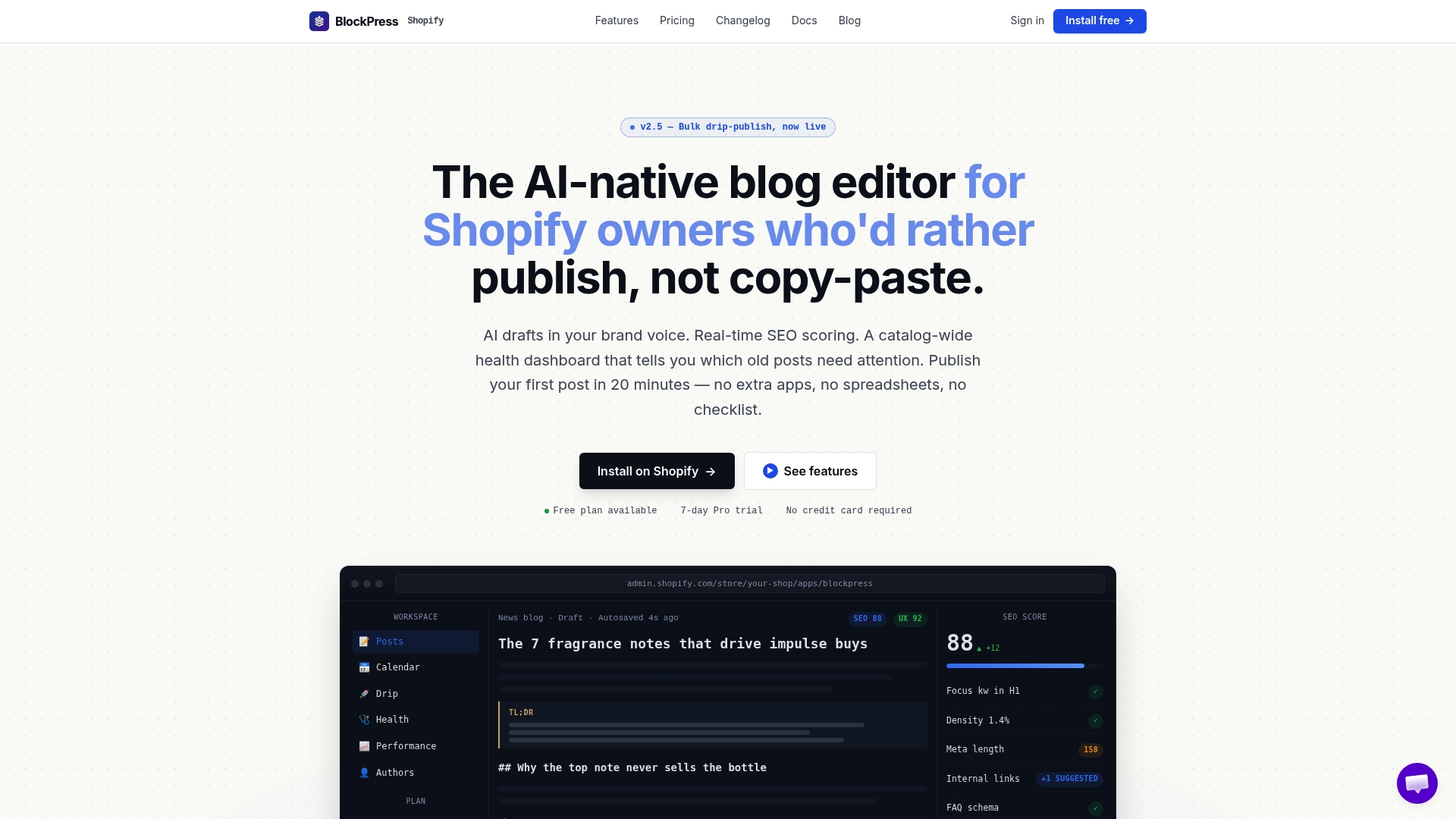
Blockpress gives you live SEO and UX scoring as you write, so you can catch performance issues in the editor rather than after publishing. It includes article health audits, per-article performance analytics, and AI-generated drafts that follow SEO best practices from the first sentence. You get real Google keyword data and bulk publishing tools, all without leaving your Shopify store. If you are managing a blog that needs to rank and load fast, see what Blockpress does or check the pricing page to find the right plan.
FAQ
Does page speed directly affect Google rankings?
Yes. Google confirmed Core Web Vitals as ranking factors. Pages that fail LCP, INP, or CLS thresholds receive ranking penalties.
What is a good LCP score for SEO?
LCP under 2.5 seconds meets Google's "Good" threshold and removes the associated ranking penalty. Top 3 ranking pages average 1.8 seconds.
How much does a slow page hurt conversions?
A 1-second delay in page load reduces conversion rates by 20%. Mobile users abandon pages that take longer than 3 seconds to load at a rate of 53%.
Does improving speed beyond "Good" boost rankings further?
No. Improving from "Good" to "Excellent" rarely produces additional ranking gains. The SEO benefit plateaus once you pass the defined thresholds.
How often should I test my blog's page speed?
Run a speed audit monthly. Theme updates, new plugins, and added scripts can degrade performance silently between publishing cycles.