
Your ecommerce blog is either pulling its weight or quietly costing you traffic and sales. Running through the right blog health audit items for merchants takes about 15 minutes and tells you exactly where to focus. Here is the quick checklist to start with, grouped by audit area:
Local search and Google Business Profile
- Google Business Profile claimed and verified
- Business name, address, and phone (NAP) consistent across website and profile
- Profile photos current and complete
- Review velocity active (steady new reviews, not a one-time burst)
Website and blog performance
- Core Web Vitals passing: LCP under 2.5s, INP under 200ms, CLS under 0.1
- Blog URLs indexed in Google Search Console
- No broken internal links or missing meta descriptions
- Mobile experience tested on an actual phone—since 60–70% of ecommerce sessions come from mobile, this is essential.
Trust, privacy, and AI readiness
- Site loading over HTTPS
- Privacy policy and terms of service pages present
- Structured data (JSON-LD) implemented for products, FAQs, and articles
- Clear calls to action on every blog post
Each area below gets its own deep-dive checklist so you can work through the full merchant blog performance review section by section.
2. How to audit your Google Business Profile and local search presence
Local search is often the highest-leverage channel small merchants underinvest in. Start here before touching anything else.
- Claim and verify your profile. An unclaimed Google Business Profile is invisible in local results. Log into Google Business Profile Manager and confirm your listing shows "Verified."
- Check NAP consistency. Your business name, address, and phone must match exactly on your website footer, contact page, and Google Business Profile. Even minor differences ("St." vs. "Street") suppress local rankings.
- Audit your primary category. The wrong primary category is one of the most common reasons local rankings stall. Choose the category that best describes your core product, not a broad catch-all.
- Review your photos. Profiles with fewer than 10 photos consistently underperform. Aim for at least one exterior shot, one product photo, and one team or workspace image.
- Check review velocity. Steady new reviews outrank a store with more total reviews that all came in 18 months ago. Set a process to ask for reviews after every purchase.
- Monitor local search performance in Google Search Console. Filter by queries that include your city or region to see whether local terms are driving clicks to your blog or product pages.
Pro Tip: Add LocalBusiness schema to your contact page and homepage. It is one of the highest-ROI structured data implementations for small businesses and takes under an hour to set up.
3. How to audit your website and blog performance for SEO and speed
Speed and technical health directly affect both rankings and whether visitors stay long enough to buy. This is your site health assessment checklist for the engine room.
- Run Core Web Vitals in Google PageSpeed Insights. Google's benchmarks are clear: LCP under 2.5s, INP under 200ms, CLS under 0.1. Failing any one of these on your top blog posts costs you ranking positions.
- Check indexation in Google Search Console. Open the Pages report and review "Why pages aren't indexed." A low indexation rate signals crawl or noindex problems. Confirm your XML sitemap is submitted and current.
- Crawl for broken links and orphaned pages. Screaming Frog's free version covers up to 500 URLs. Orphaned blog posts (zero internal links pointing to them) are invisible to Google and users alike.
- Fix missing or duplicate meta descriptions. Duplicate meta descriptions are one of the most common findings in any small business audit and are straightforward to fix. Each blog post needs a unique description with its primary keyword.
- Validate structured data. Use Google Search Console's Enhancements reports to check for JSON-LD errors on your blog posts, product pages, and FAQ sections.
- Test mobile on a real device. Mobile traffic accounts for 60–70% of ecommerce sessions. Desktop scores alone will not catch tap-target failures, font-size issues, or sticky-header overlap on blog pages.
- Audit internal links from blog posts to products. Each blog post should carry 2–5 contextual links to relevant product or category pages. Most posts are written in isolation and miss this entirely.
| Metric | Benchmark | Tool |
|---|---|---|
| Largest Contentful Paint (LCP) | Under 2.5s | PageSpeed Insights |
| Interaction to Next Paint (INP) | Under 200ms | PageSpeed Insights |
| Cumulative Layout Shift (CLS) | Under 0.1 | PageSpeed Insights |
| Blog URL indexation rate | As high as possible | Google Search Console |
| Broken internal links | Zero | Screaming Frog |
| Duplicate meta descriptions | Zero | Screaming Frog / Search Console |
For a deeper look at technical SEO for ecommerce blogs, the 2026 guide covers crawl architecture and pagination in detail.

4. How to audit trust signals, privacy compliance, and AI readiness
Trust is what converts a first-time visitor into a buyer. AI readiness is what gets your content cited in Google's AI Overviews and featured snippets.
- Confirm HTTPS. If your site shows "Not Secure" in the browser bar, fix it before anything else. Google penalizes non-SSL sites, and visitors bounce immediately.
- Check contact info visibility. Phone number, email, and address should be findable within five seconds, ideally in the header or footer of every page, not buried on a contact page.
- Verify your privacy policy and terms of service. Missing legal pages are a trust signal failure users notice, and they create legal exposure if your store collects any data through forms or analytics.
- Audit calls to action on blog posts. Every post needs at least one specific CTA. "Shop now" is generic. "See the full collection" or "Get the exact product mentioned here" outperforms it.
- Implement structured data for AI search. JSON-LD for products, reviews, and FAQs enables rich results and positions your content for AI-driven search features. Check for Article schema on blog posts and FAQ schema where you have real Q&A content.
- Review trust signals on your homepage. Google reviews, certifications, and return policy badges reduce friction for first-time visitors. If none are visible above the fold, add them.
AI-driven search demands accurate structured data to surface rich results and featured snippets, making a metadata audit a practical necessity in 2026, not an optional extra.
5. Best practices for running your ecommerce blog audit in 2026
A good audit is only as useful as the action plan it produces. These practices keep your content audit for online stores focused on revenue, not busywork.
- Treat your blog as part of the conversion funnel. Auditing blog content in isolation misses its role as a bridge between search traffic and product pages. Every post should link to commercial pages with contextual anchor text.
- Go mobile-first. Since 60–70% of ecommerce sessions come from mobile, start every audit on a phone, not a desktop. Speed and UX issues invisible on desktop show up immediately on mobile.
- Score items as Pass, Needs Work, or Fail. Then sort by traffic volume. Fixing a broken CTA on a post that gets 5,000 monthly visits returns far more than fixing a typo on a post with 50.
- Run monthly lightweight checks and one annual deep audit. A performance-based cadence keeps Core Web Vitals, indexation, and review velocity in check without overwhelming your schedule.
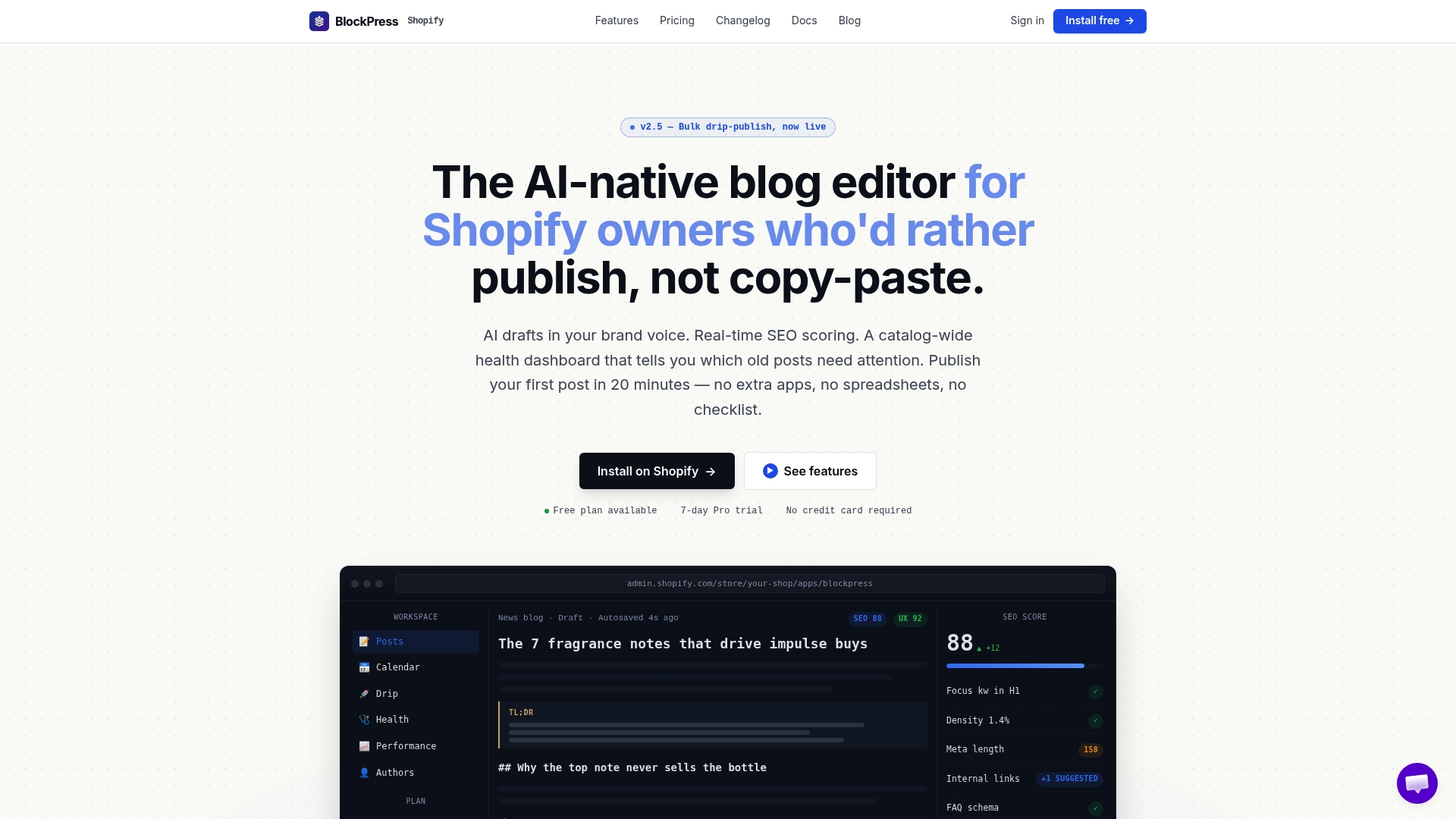
- Use Blockpress to automate health scoring. Blockpress's article health audit feature scores each post for SEO and UX inside Shopify, so you see which posts need work without running a separate tool. Per-article performance analytics show you exactly which posts drive traffic and which ones are stale.
- Keep your highest-traffic posts fresh. Updating old content with current links, new data, and refreshed CTAs consistently recovers rankings. The SEO gains from refreshing stale content are well documented and often faster than building new posts from scratch.
Pro Tip: When auditing, test failed scenarios, not just the happy path. Try submitting a contact form with a missing field, clicking a broken product link from a blog post, or loading a post on a slow mobile connection. These edge cases reveal the friction points that standard SEO tools miss entirely.
6. How to audit backlinks and referral traffic for your blog posts
Backlinks tell you which posts have earned authority and which ones are invisible to the rest of the web. Open Google Search Console and check the Links report to see which blog URLs have the most external links pointing to them. Posts with zero inbound links from other sites rarely rank for competitive terms, no matter how well they are written.
For a fuller picture, tools like Ahrefs or Semrush show referring domains, anchor text distribution, and whether your best links are pointing to posts that actually convert. Referral traffic in Google Analytics 4 completes the picture: if a post earns links but sends no referral clicks, the linking pages may be low-quality or buried.
The most linkable blog assets tend to be buying guides, original research, and comparison posts rather than product announcements. If your blog has nothing linkable beyond product pages, creating one strong resource post is a higher-priority fix than building more product descriptions. Check your top 10 posts for internal links pointing back to them from other pages on your site as well. Posts with strong external links but weak internal link support are leaving authority on the table.
For practical ecommerce growth through technical SEO, pairing a backlink audit with a crawl of your internal link structure gives you the clearest picture of where authority is flowing and where it is getting stuck.
Key Takeaways
A complete blog health audit for merchants covers local search, Core Web Vitals, structured data, trust signals, and backlinks, with fixes prioritized by traffic and revenue impact.
| Point | Details |
|---|---|
| Core Web Vitals benchmarks | LCP under 2.5s, INP under 200ms, CLS under 0.1 are Google's thresholds for ranking and UX. |
| Mobile-first auditing | 60–70% of ecommerce sessions come from mobile, so test on a phone before checking desktop. |
| Internal linking from blog posts | Each post should carry 2–5 contextual links to product or category pages to drive conversions. |
| Audit cadence | Monthly lightweight checks plus one annual deep audit keep performance and indexation healthy. |
| Prioritize by traffic | Score items Pass, Needs Work, or Fail, then fix high-traffic posts first for maximum ROI. |
Blockpress runs article health audits, live SEO scoring, and per-article analytics directly inside Shopify, so you can act on your audit findings without switching tools. Try Blockpress and see which posts need work in minutes.
FAQ
What are the most important blog health audit items for merchants?
The highest-impact items are Core Web Vitals scores, blog URL indexation in Google Search Console, internal links from posts to product pages, structured data implementation, and mobile usability. Fix these on your highest-traffic posts first.
How often should I run a merchant blog performance review?
A monthly lightweight check covering Core Web Vitals, indexation, and broken links, combined with one thorough annual audit, is the most practical cadence for small ecommerce merchants.
Does Google Business Profile affect my ecommerce blog's SEO?
Yes. A verified profile with consistent NAP data and steady review velocity improves local search visibility, which drives traffic to both your store and your blog content.
What structured data should my ecommerce blog have?
At minimum, implement Article schema on blog posts, FAQ schema on posts with Q&A content, and Product schema on any page featuring a specific product. Validate all implementations in Google Search Console's Enhancements reports.
Can I run a blog health audit without paid tools?
Yes. Google Search Console, Google PageSpeed Insights, and Screaming Frog's free version (up to 500 URLs) cover the majority of critical audit checks for most small ecommerce stores.