
Yes, content silos belong in your Shopify SEO plan, but most stores should build them soft, not hard. If your store already has indexed pages, traffic, and backlinks, use internal linking to group content by topic instead of rebuilding your URL structure from scratch. If you're launching a new store or a brand new blog, a URL-based (hard) silo from day one is cleaner and carries no migration risk.
Your first move either way:
- Pick one revenue-driving collection as your commercial hub
- Write a pillar page that covers that topic in full
- Map several supporting cluster articles that link back to it
TL;DR:
- Building soft silos through internal links and tags is safer for established stores with existing traffic and backlinks, avoiding URL migration risks.
- Focus on one revenue-driving collection as your hub, with 4 to 8 supporting cluster pages that deepen topical relevance and boost rankings.
- Regular audits using crawling tools are essential to identify orphaned pages, ensure internal links remain relevant, and maintain silo effectiveness over time.
- Most successful stores use an internal linking strategy where clusters link to the pillar, the pillar links to the collection, and anchors are descriptive to prevent cannibalization.
- Using tools like BlockPress simplifies silo management by integrating keyword research, internal linking, and content audits directly within Shopify.
Table of Contents
- What Content Silos Do for Shopify SEO
- How to Plan Silos Around Revenue, Not Just Keywords
- Building the Silo in Shopify: Collections, URLs, Tags, and Redirects
- Internal Linking Rules That Keep Silos From Cannibalizing Each Other
- A Step-by-Step Checklist for Building, Migrating, and Launching a Silo
- Measuring Whether Your Silo Is Actually Working
- Where BlockPress Fits Into Silo Planning and Publishing
- Why Most Silo Advice Skips the Maintenance Part
- Publish Your Silo Without Juggling Three Separate Apps
- Key Takeaways
- Sources
- FAQ
What Content Silos Do for Shopify SEO
A content silo groups related pages, a pillar guide, cluster articles, and a commercial hub, so search engines and shoppers can tell exactly what each section of your site is about. It's not a secret Google ranking factor. It's an architecture choice that makes your existing content signals easier to read and act on.
Done right, a silo does three concrete things. It reduces keyword cannibalization by giving each topic one clear home instead of five competing pages. It improves crawl efficiency because bots find a logical path from broad to specific instead of hopping randomly between orphaned posts. And it concentrates link equity toward the pages that actually make you money: your collections and products.
Silo vs. hub vs. cluster, in Shopify terms:
- Silo: the whole topic structure, pillar plus clusters plus hub
- Content hub: the central page tying everything together, often your pillar or collection
- Topic cluster: the modern, flexible version of a silo that allows contextual cross-links between related clusters instead of rigid isolation
Silo SEO organizes pages into topic-specific hubs that improve crawlability and concentrate link equity, and that's the mechanism worth caring about, not the label.
How to Plan Silos Around Revenue, Not Just Keywords
Start with the collection, not the content. Pick one collection that already drives (or should drive) real revenue, then build the informational layer around it. A silo without a commercial hub is just a blog category with extra steps.
- Choose your hub collection. Look at your Shopify analytics for a collection with decent traffic potential but weak organic visibility.
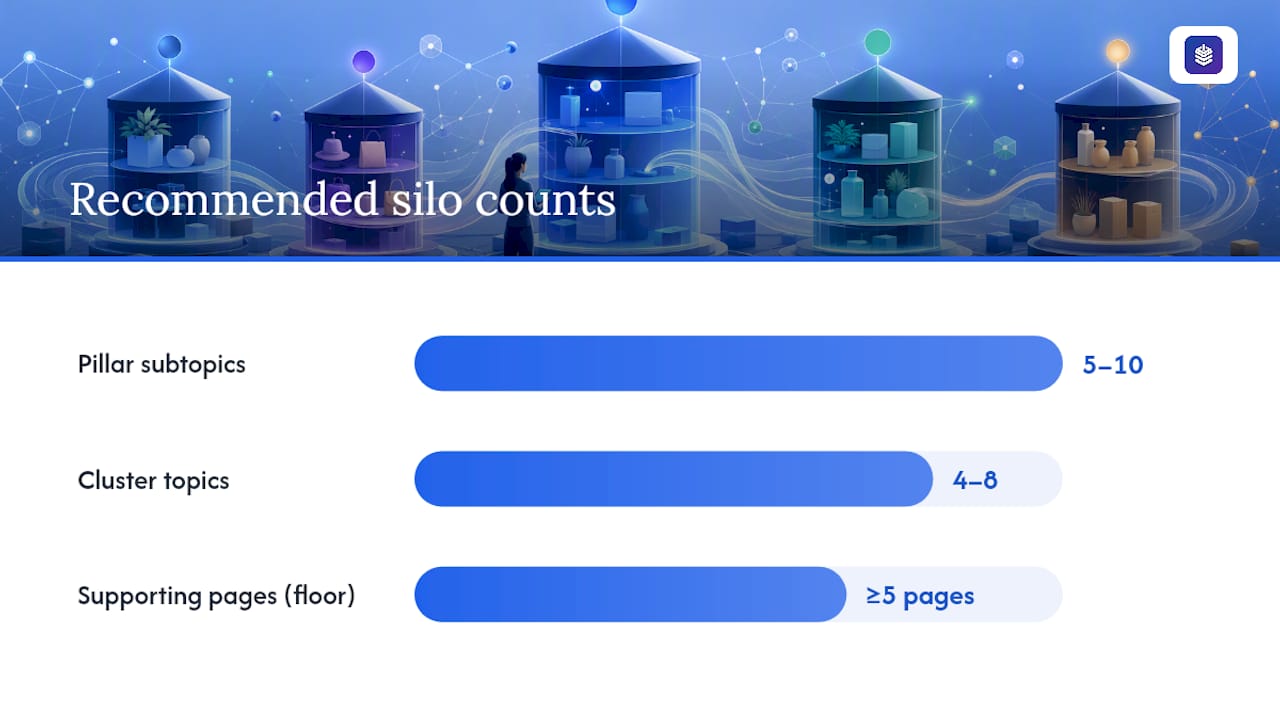
- Scope the pillar. Write down the five to ten subtopics a shopper researching that collection would search for, before they're ready to buy.
- Map 4 to 8 cluster topics. Fewer than five supporting pages rarely establishes real topical depth, so treat that as your floor, not your ceiling.
- Prioritize by intent and impact. Rank cluster topics by whether they attract buyers close to purchase (high priority) or pure research traffic (lower priority, but still useful for reach).
For example, a home goods store selling ceramic planters might build a silo around its "Indoor Planters" collection, with cluster posts on drainage, soil types for succulents, and sizing for different plant species.
Pro Tip: Don't scope more than one silo at a time when you're starting out. Build one pillar, publish its clusters, measure results for 60 to 90 days, then replicate the pattern.
Building the Silo in Shopify: Collections, URLs, Tags, and Redirects
Shopify's native structure already gives you most of the silo scaffolding. You just have to use it deliberately instead of letting collections and blog posts sprawl on their own.
URL structure decision first. Hard silos use nested subdirectories like /collections/planters/drainage-guide. Shopify doesn't natively support that kind of nesting for blog content, blog posts live under /blogs/[handle]/, so a true hard silo means custom app work or a headless setup. For most merchants, a soft silo, built through internal links and consistent tagging rather than folder structure, is the pragmatic choice. Soft silos preserve existing indexation and avoid the redirect risk that comes with restructuring URLs on a site that already ranks.
Practical setup steps:
- Use manual collections for your hub pages so you control exactly which products appear
- Apply consistent tags and metafields to generate landing pages for long-tail variants (think "pet-safe planters" or "drought-tolerant planters") without touching your main collection tree
- Update your navigation menu so the pillar and its clusters are reachable within two or three clicks from the homepage
- Add breadcrumbs so both users and crawlers understand hierarchy
- Set canonical tags on any product appearing in more than one collection to avoid duplicate-content dilution
Pro Tip: If you do need to move a page during a silo cleanup, build your 301 redirect map before you delete or unpublish anything, not after.
Internal Linking Rules That Keep Silos From Cannibalizing Each Other
The flow that works on Shopify is simple: cluster articles link up to the pillar, the pillar links down to the commercial hub, and the hub links out to individual products, as explained in this Internal linking how-to: boost your SEO with proven strategies. Lateral links between clusters are fine when they genuinely help the reader, that's the topic-cluster model modern SEO practice now favors over rigid, isolated silos.
Anchor text is where most stores slip up. Use descriptive phrases that match what the destination page is actually about, "drainage for indoor planters," not "click here" or a bare "planters." Vague anchors blur the topical signal you're trying to build, and repeating the same anchor across five different pages invites the exact cannibalization a silo is supposed to prevent.
Here's a linking map for one pillar with four clusters and a hub collection:
| Page | Links To | Sample Anchor Text |
|---|---|---|
| Cluster: Drainage Guide | Pillar, Hub Collection | "complete indoor planter guide" |
| Cluster: Soil for Succulents | Pillar, related Cluster | "choosing the right planter size" |
| Cluster: Sizing by Plant Type | Pillar, Hub Collection | "shop indoor planters" |
| Cluster: Pet-Safe Options | Pillar, Cluster: Sizing | "planter sizing by plant" |
| Pillar Page | Hub Collection, all Clusters | "browse our planter collection" |
This kind of deliberate mapping is exactly what a solid Shopify internal linking strategy should produce before you publish a single cluster post.
A Step-by-Step Checklist for Building, Migrating, and Launching a Silo
Work through this in order. Skipping the audit step is the most common reason silos underperform.
- Crawl your existing site with a tool like Screaming Frog or Sitebulb to find orphaned pages and overlapping keyword targets before you build anything new.
- Flag content overlap. If three old blog posts already compete for the same keyword your new pillar targets, decide now whether to merge, redirect, or prune them.
- Publish the pillar page first, since every cluster article will link to it.
- Publish cluster articles on a staggered schedule rather than all at once, so you can watch how each one performs.
- Update menus, breadcrumbs, and internal links across old and new content to reflect the new structure.
- Set canonicals and 301 redirects for any consolidated or moved pages.
- Re-crawl post-launch to confirm nothing got orphaned and that redirects resolve cleanly.
- Monitor indexation in Google Search Console for two to four weeks, then prune or merge any cluster page that isn't gaining traction.
Pro Tip: Keep your redirect map in a shared spreadsheet, not just in your memory. Silo migrations get messy fast when nobody can trace which old URL points where.
Measuring Whether Your Silo Is Actually Working
Track five things: impressions and clicks by folder in Google Search Console, assisted conversions from blog pages to collection and product pages in your analytics, crawl depth and internal link count per page, and how many keywords the pillar and its clusters rank for as a group rather than individually.
Tools worth running on a recurring basis:
- Google Search Console, filtered by URL path, to see performance trends for the whole silo rather than one page at a time
- Screaming Frog or Sitebulb for crawl depth, orphaned pages, and internal link counts
- Ahrefs or Semrush for keyword rank tracking across the full cluster
- Your Shopify analytics or a connected platform for assisted conversions from content to cart
Silo structure improves the signals that often lead to better rankings, but it isn't an isolated ranking factor, content quality and relevance still decide the outcome. Set a maintenance cadence: review each silo quarterly, and treat a cluster page with falling impressions or zero assisted conversions after 90 days as a candidate for pruning or merging into the pillar.
Where BlockPress Fits Into Silo Planning and Publishing
Building a silo by hand means juggling keyword research, a drafting tool, an internal-linking spreadsheet, and a separate audit app, usually three or four different subscriptions stitched together. BlockPress runs those steps natively inside your Shopify admin.
Specifically, it gives you:
- Real Google keyword data to scope your pillar and prioritize cluster topics
- Live SEO and UX scoring while you draft, so you catch weak pages before they publish
- Internal-link suggestions that point cluster drafts back to the right pillar and collection
- Article health audits to flag orphaned or underperforming cluster pages
- Bulk drip-publishing to stagger cluster launches instead of publishing everything at once
- Per-article analytics to see which clusters are actually driving assisted conversions
A silo only earns its keep if someone maintains it. The stores that see results are the ones auditing and pruning every quarter, not the ones who build the structure once and walk away.
See the full capability set on the BlockPress features page.
Why Most Silo Advice Skips the Maintenance Part
The conventional silo advice treats structure as a one-time project: pick your folders, build your pages, done. That's backwards. The research on this is consistent, silos work when paired with regular audits and pruning, and they quietly decay when treated as a set-and-forget folder exercise.

Here's what I think most Shopify owners get wrong: they obsess over whether to use hard or soft silos, then never revisit the cluster pages they published six months ago. The URL structure decision matters far less than the discipline of checking, quarterly, whether each cluster page still earns its place. A soft silo with active pruning beats a perfectly nested hard silo nobody has touched since launch.
Prioritize the commercial hub first. If your pillar and clusters don't route clearly toward a collection that converts, you've built an SEO exercise, not a revenue engine. Get that link flow right before you worry about anchor text variety or breadcrumb styling. Everything else is refinement.
— Rodney
Publish Your Silo Without Juggling Three Separate Apps
If the checklist above sounds like a lot to coordinate manually, that's because it usually is, most Shopify merchants stitch together a keyword tool, a writing app, and a separate SEO auditor to do what a single well-built editor can handle. BlockPress replaces that stack with one AI-native blog editor built directly into your Shopify admin.
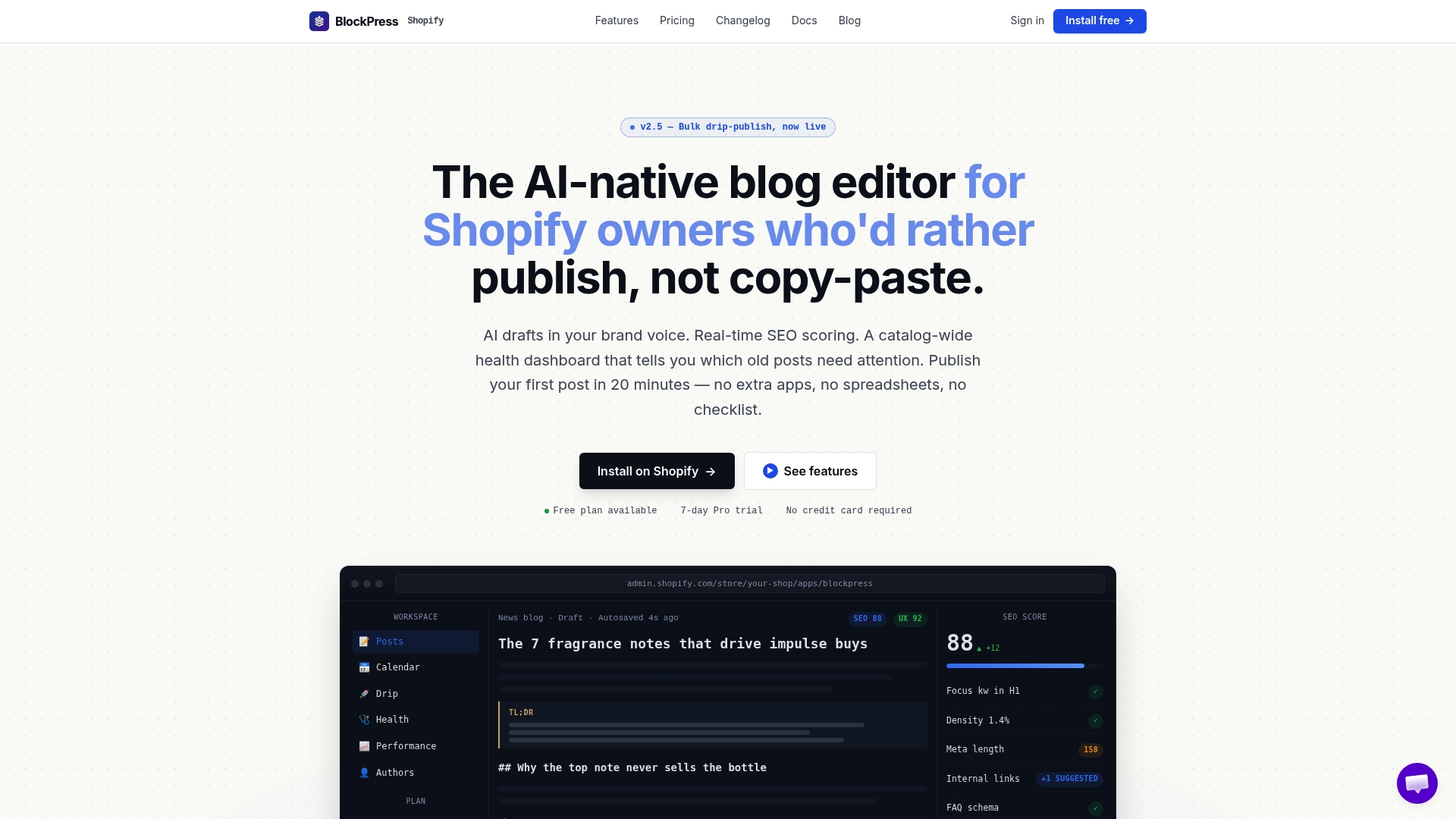
It gives you live keyword data to scope your pillar, AI-generated drafts in your brand voice for each cluster, built-in internal-link suggestions so your silo map builds itself as you write, and article health audits that flag pruning candidates before they drag down the whole cluster. Bulk drip-publishing lets you stagger cluster launches exactly the way the checklist recommends, without manually scheduling each post. Start mapping your first silo inside your Shopify admin at Blockpress and see your keyword data before you write a single draft.
Key Takeaways
Content silos work on Shopify when a single commercial collection anchors a pillar and its cluster pages, and the structure gets audited every quarter instead of built once and ignored.
| Point | Details |
|---|---|
| Choose silo type by site age | New stores can use hard, URL-based silos; established stores should stick to soft silos built on internal links. |
| Anchor every silo to a collection | Pick one revenue-focused collection as the hub before writing any pillar or cluster content. |
| Keep clusters to several supporting pages to establish meaningful topical depth | Fewer than five supporting pages rarely builds enough topical depth to matter. |
| Audit before and after launch | Crawl with Screaming Frog or Sitebulb pre-launch and again after publishing to catch orphaned pages. |
| Use BlockPress to run the whole workflow | BlockPress combines keyword data, internal-link suggestions, and article health audits natively inside Shopify. |
FAQ
What's the Difference Between a Content Silo and a Topic Cluster?
A silo is a strict, isolated grouping of pages by topic, while a topic cluster allows contextual cross-links between related clusters when they genuinely help the reader, which is the approach most SEO practitioners now recommend.
How Many Pages Does a Shopify Silo Need?
Aim for 4 to 8 supporting cluster pages per pillar; fewer than five rarely establishes enough topical depth to influence rankings meaningfully.
Do I Need to Change My URLs to Build a Silo on Shopify?
No. Soft silos use internal linking and tagging instead of URL restructuring, which is the safer choice for any store that already has indexed pages and existing traffic.
Can Cluster Pages Link to Each Other, or Only to the Pillar?
Lateral links between clusters are fine when they add real value for the reader; the goal is a clear path from cluster to pillar to collection, not total isolation between pages.
How Do I Know if My Silo Is Working?
Track impressions and clicks by URL folder in Google Search Console, watch assisted conversions from content to product pages, and review ranking spread across the whole cluster rather than single pages, tools like BlockPress surface several of these metrics directly inside Shopify.