
Shopify gives you blog traffic data by default, but it stops short of real engagement or attribution insight. Go to Analytics → Reports → Sessions by landing page, filter for your blog URLs, and you'll see which posts pull traffic. That's your starting point. If you need to know how readers behave once they land, or where they came from before that, you'll need to add a layer Shopify doesn't build in.
TL;DR:
- Shopify's native blog traffic data shows which posts draw visitors but offers limited insights into engagement or attribution.
- To analyze blog performance, you must manually set up reports by filtering session data for your blog URLs within Shopify Analytics, with export options varying by plan.
- Metrics like time on page, scroll depth, and micro-conversions matter more than traffic alone for measuring blog effectiveness and guiding improvements.
- Shopify’s default last-click attribution understates a blog’s true influence, especially when visitors return across devices or after long gaps.
- Adding tools like GA4, official ad channels, and an integrated editor helps better track and optimize content ROI, especially for posts with high traffic but low conversions.
Table of Contents
- How Do You Find Shopify Blog Analytics in Your Admin?
- What Blog Metrics Actually Matter for a Shopify Store?
- Why Shopify Analytics Falls Short on Attribution
- Which Tools Should You Add to Shopify Analytics?
- How Do You Turn Blog Metrics Into a Content ROI Number?
- What Quick Fixes Actually Improve Blog-Driven Sales?
- How Does an Integrated Editor Close the Analytics Gap?
- A Publisher's Take on Measuring What Actually Matters
- Try Blockpress on Your Next Underperforming Post
- Primary Sources and Further Reading
- Sources
- FAQ
How Do You Find Shopify Blog Analytics in Your Admin?
Shopify doesn't label anything "blog analytics." You have to build the view yourself, and it takes about five minutes once you know the path.
- Open Analytics → Reports from your Shopify admin sidebar.
- Select "Sessions by landing page" under the Behavior category.
- Filter by URL path using your blog slug (usually
/blogs/news/or whatever handle you set up), which is the workaround merchants rely on since Shopify has no dedicated blog dashboard, according to Shopify Community discussions. - Cross-check with Live View if you want real-time visitor counts during a launch or promotion.
- Pull marketing performance reports to see which channels are sending readers to specific posts.
Export options depend on your plan. Shopify plans give you standard reports with CSV export, while Shopify Plus and Advanced tiers unlock ShopifyQL for custom, code-based queries against your data. If you're on a lower tier, you're working with fixed report templates, not a query builder, so plan your filtering strategy around what's already there rather than what you wish existed.
What Blog Metrics Actually Matter for a Shopify Store?
Traffic numbers alone tell you almost nothing about whether your blog is working. You need metrics that connect readers to purchases, even loosely.
- Sessions by landing page, tracked weekly so you catch trend shifts before they become quarter-long problems.
- Time on page and scroll depth, both of which Shopify surfaces only in a limited way, so treat them as rough proxies rather than precise measurements.
- Engaged sessions versus bounce rate, which tells you whether people are reading or leaving in five seconds.
- Conversion rate from blog-landed sessions, the number that actually separates a hobby blog from a revenue channel.
- Micro-conversions like add-to-cart clicks or email signups, which matter most for posts that aren't ready to close a sale but are building intent.
Pair a high-traffic post with a low conversion rate and you've found a post worth fixing, not promoting further. Pair low traffic with a strong conversion rate and you've found a post worth pushing harder through email or social, since the content clearly works once someone finds it.
Why Shopify Analytics Falls Short on Attribution
Shopify's built in reporting handles sales and session data well. It falls apart the moment you ask "what actually caused this sale?"
- Last-click attribution is the default model, which means the channel that closed the sale gets full credit even if a blog post, an email, or a social post did the real persuading weeks earlier. This setup under-credits awareness and mid-funnel channels, so if you're judging content performance purely by last-click conversions, you're likely underestimating your blog's actual contribution.
- Anonymous visitor identity gaps mean Shopify struggles to stitch together a reader who visits your blog on mobile, leaves, then returns on desktop three days later to buy. That visitor looks like two different people in your data.
- Transactional and session-level reporting is genuinely solid. Shopify knows what sold, when, and to whom once a purchase happens. It just can't reconstruct the path that led there.
- Some gaps you can mitigate inside the admin by tagging campaigns consistently and reviewing UTM parameters. Others, like true multi-touch attribution or cross-device identity resolution, require adding a measurement layer Shopify doesn't offer natively.
Most stores under roughly $50,000 in monthly revenue don't need to solve every one of these gaps. Built-in reports plus a well-configured GA4 property usually cover most of the actionable signal you actually need to make decisions.
Which Tools Should You Add to Shopify Analytics?
Once you've hit the ceiling of what native reports can tell you, the next moves are predictable, and most stores follow the same sequence.
- Install Google Analytics 4 through Shopify's official Google channel, not by pasting a raw gtag snippet into theme.liquid. The official integration handles consent and avoids duplicate event firing that a manual install often creates, a point technical guides consistently flag as a common setup mistake.
- Connect Meta and TikTok through their official sales channels, using server-side endpoints where they're available, which improves match rates without touching your theme code directly.
- Hold off on paid attribution platforms or a customer data platform until you're juggling several ad channels at once, spending real hours reconciling conflicting reports, or need cohort and lifetime value analysis that Shopify's native tools can't produce.
Pro Tip: Set a calendar reminder to check your GA4 property against Shopify's own session numbers once a month. If the two sources drift more than 10 to 15 percent apart, something in your setup, usually a duplicate tag or a consent banner blocking events, needs fixing before you trust either number.
A minimal stack that covers most stores: Shopify Analytics for transactions, GA4 for traffic and audience behavior, and official ad-platform channels for spend data. That's it until you outgrow it.
How Do You Turn Blog Metrics Into a Content ROI Number?
The fastest way to find your best next move is comparing two numbers side by side: sessions by landing page and your store's overall conversion rate. Posts pulling heavy traffic but converting below your store average are sitting on unrealized revenue. Shopify itself points to this comparison as the core method for tying content to revenue.
For a rough return estimate, multiply referral conversions from a post by your average order value, then apply a conservative uplift assumption if you're testing a fix. It's not a precise model, but it's enough to prioritize.
- High traffic, low conversion: needs a CTA or layout fix, not more promotion.
- Low traffic, strong conversion: needs distribution, not content changes.
- Declining sessions on an older post: often signals a content refresh is overdue, especially if it once ranked and has since slipped.
- Flat traffic with steady conversions: leave it alone and focus energy elsewhere.
Set aside 20 minutes a week to run this comparison. It's enough time to catch which posts need content ROI attention before the trend line gets worse.
What Quick Fixes Actually Improve Blog-Driven Sales?
You don't need a redesign to move the needle. You need a handful of deliberate changes on your highest-traffic posts.
- Add a contextual CTA and a product callout both above the fold and again after the main content, so readers see it whether they skim or read fully.
- Tag internal links with UTM parameters so you can trace exactly which blog click led to a cart addition or a purchase downstream.
- Test CTA copy and placement, then track add-to-cart clicks originating from the post to see which version actually performs, a practice conversion-focused marketers recommend as a first fix before touching anything else.
Pro Tip: Check your blog layout for product blocks that break the reading flow. A well-placed product card converts better than three scattered links.
How Does an Integrated Editor Close the Analytics Gap?
An AI-native blog editor built directly into Shopify exists to consolidate keyword data, live SEO and UX scoring, article health audits, and per-article performance analytics into one editor inside Shopify admin, simplifying the usual workflow that spans multiple separate tools.
The practical shortcut: audit a post, apply the flagged SEO or structural fixes, republish, then check that same post's performance inside the same screen days later. No exporting CSVs, no switching tabs between your blog platform and a separate analytics dashboard. If one of your posts is pulling traffic but converting below your store average, that's the one worth auditing first.

A Publisher's Take on Measuring What Actually Matters
Pick one source of truth and check it weekly. Most merchants I've seen struggle with analytics aren't missing data. They're drowning in three dashboards that disagree with each other and never open any of them consistently.

Skip the raw gtag paste into theme files no matter how tempting the five-minute tutorial looks. Official channels exist for a reason, and double-counted sessions will quietly wreck your conversion math for months before anyone notices.
One store I've seen referenced fixed a single underperforming post, just a CTA and a product callout swap, and watched its conversion rate from that page roughly double within weeks. Small, targeted fixes on high-traffic posts usually beat broad content overhauls.
*— Rodney
Try Blockpress on Your Next Underperforming Post
Blockpress is the fix for the gap this article just walked through: Shopify tells you a post is getting traffic, but you're left guessing why it isn't converting and juggling separate tools to find out. An integrated tool puts keyword data, SEO and UX scoring, article health audits, and per-article performance analytics inside the same editor where you're already writing, so you can check the numbers and fix the post without leaving your Shopify admin.
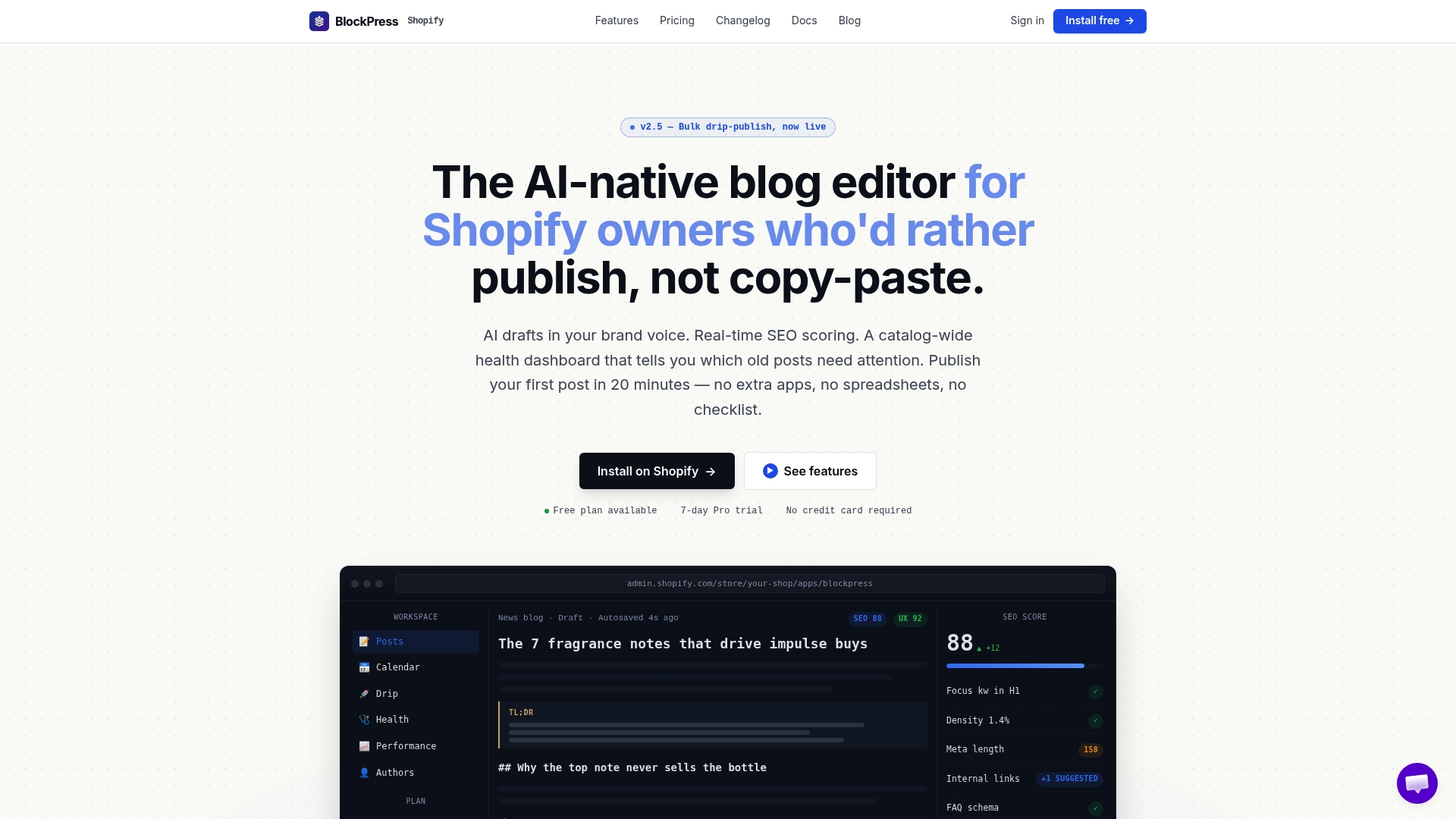
If you've got one post pulling solid traffic but underperforming on conversions, that's the one to test first. Run it through an audit in Blockpress, apply the flagged fixes, and republish, all in one place. Curious what's changed recently? The changelog covers the latest features shipped to the editor.
Primary Sources and Further Reading
Shopify's content ROI guide, analytics limitations breakdown, and GA4 setup documentation cover setup and measurement in depth.
Sources
- Content ROI: How To Improve Content Effectiveness (2026) - Shopify
- Shopify Analytics Limitations: Why It's Not Enough (2026)
- Shopify Analytics: What's Built In, What's Missing, and How to Read It - DEV Community
FAQ
Does Shopify Have Built-In Blog Analytics?
Shopify tracks blog traffic through Analytics → Reports → Sessions by landing page, but it has no dedicated blog dashboard and limited on-page engagement data.
How Do I See Which Blog Posts Drive the Most Sales?
Compare sessions by landing page for each post against your store's overall conversion rate to spot high-traffic posts underperforming on sales.
Why Does Shopify Underreport My Blog's Impact on Sales?
Shopify uses last-click attribution by default, so a blog post that influences a sale weeks before checkout often gets no credit at all.
Should I Add Google Analytics to My Shopify Blog?
Yes, install GA4 through Shopify's official Google channel rather than pasting tracking code directly into your theme, which avoids double-counting and consent issues.
Can Blockpress Help Me Analyze My Shopify Blog's Performance?
Yes, some integrated blog editors include per-article performance analytics alongside SEO scoring and audits, letting you check a post's numbers in the same editor where you write and fix it.